 Activate the Delete file command.
If you are working without CPP mode, you will enter a dialog directly which will show
you all of the WSCAD files from the directory belonging to the active
drawing window.
Activate the Delete file command.
If you are working without CPP mode, you will enter a dialog directly which will show
you all of the WSCAD files from the directory belonging to the active
drawing window.
Activate the Delete file command.
If you are working without CPP mode, you will enter a dialog directly which will show
you all of the WSCAD files from the directory belonging to the active
drawing window.
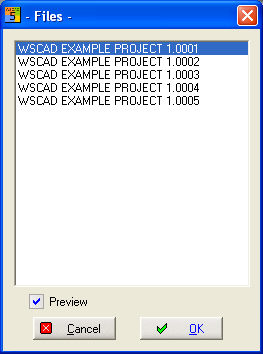
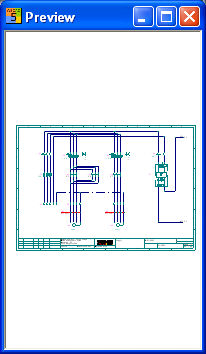
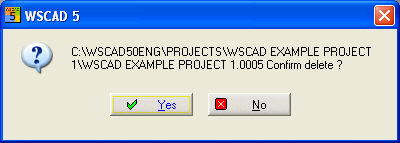
When you select the desired drawing and start the deleting process with OK, a prompt will appear for each file (page). Confirm with Yes if you want this action to be carried out.
Hint
When you delete the current drawing, the next lower or higher page number will appear automatically.