 A DXF/DWG file
is changed into a WSCAD drawing. Only
basic elements of the DXF/DWG format are transferred because of the complexity
of the DXF/DWG format and because the information cannot be used by the
automatic functions.
A DXF/DWG file
is changed into a WSCAD drawing. Only
basic elements of the DXF/DWG format are transferred because of the complexity
of the DXF/DWG format and because the information cannot be used by the
automatic functions.
A DXF/DWG file
is changed into a WSCAD drawing. Only
basic elements of the DXF/DWG format are transferred because of the complexity
of the DXF/DWG format and because the information cannot be used by the
automatic functions.
Flow
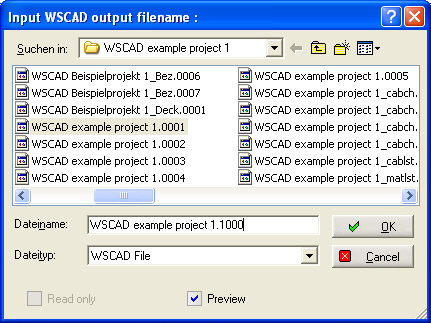
Invoke menu File/Import/DXF or DWG. Define the WSCAD file to be created.
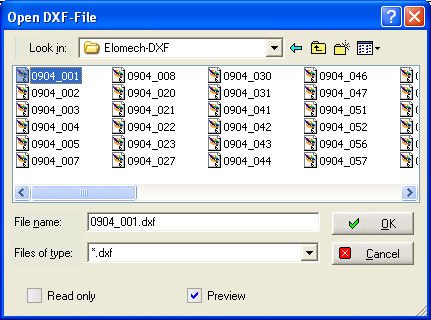
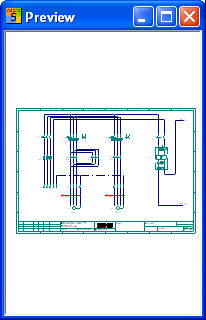
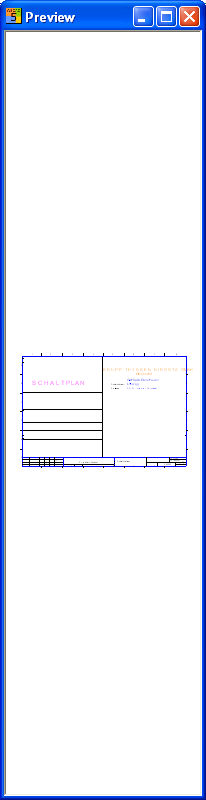
Select the DXF/DWG file (preview). The import factors must then be adjusted.
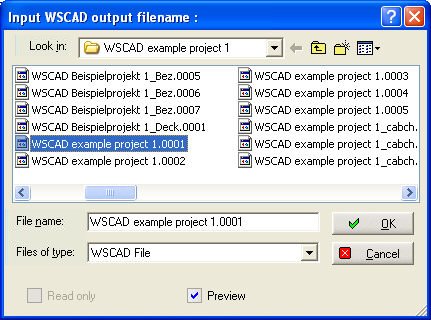
In order to do this, start the DXF/DWG Import as above but in this case you must name the DXF/DWG files in a certain way so that the multi-import function can operate. The filenames must be displayed with an underscore and a serial number with the extension DXF/DWG. The files must be located in one directory.
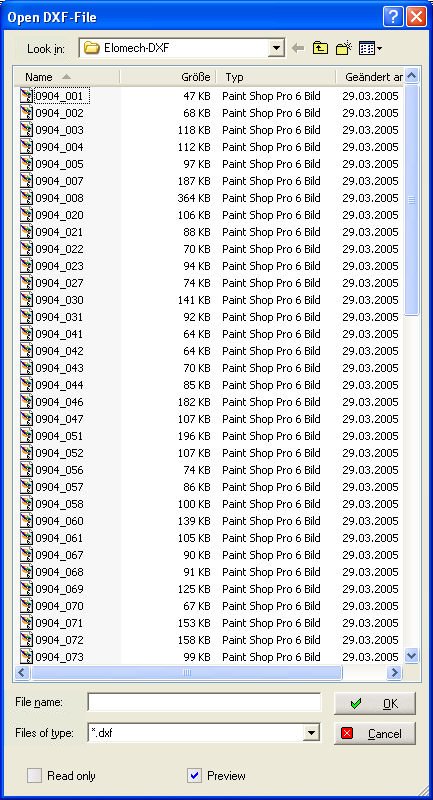
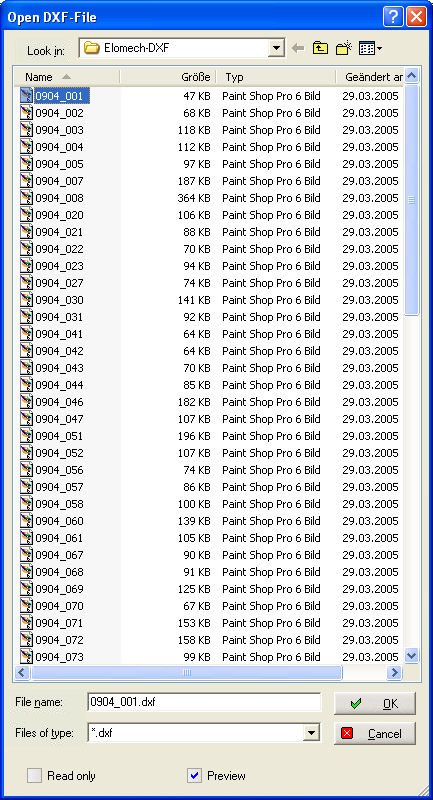
Select the first DXF/DWG file.
Select the WSCAD file with which the import process is to begin.
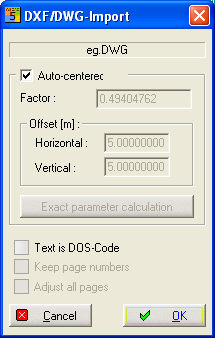
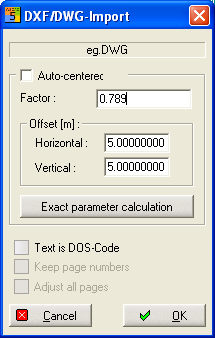
Auto-centered centers the imported file into the WSCAD sheet
Factor scales the imported file around the entered value
Offset shifts the graphic in X and/or Y direction by the entered value
Text is DOS-Code for older plans needed
Adjust all pages with multiple import one needs
Keep page numbers the page number is
like the number in the file name
(Plan_15.dwg => Plan.0015)
All DXF/DWG files will then be imported.