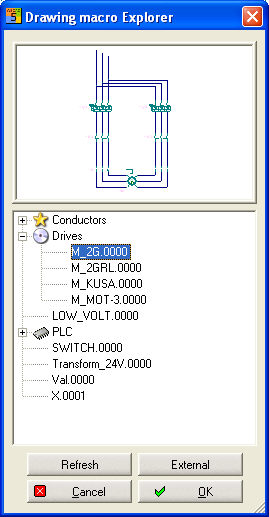
With this Menu item you can
insert a drawing macro into the
current schematic. The Drawing macro
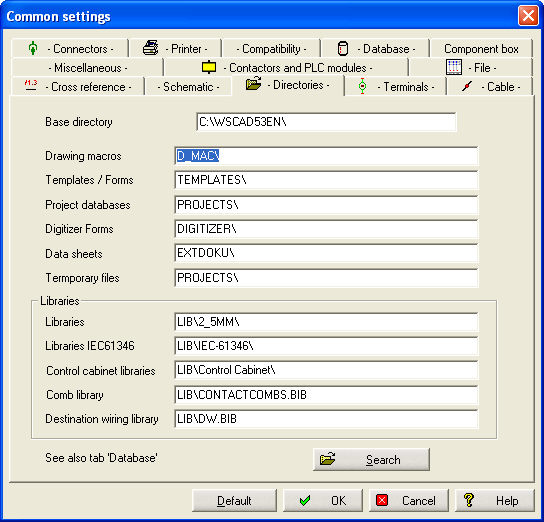
Explorer has access to the preset directory.
With this Menu item you can
insert a drawing macro into the
current schematic. The Drawing macro
Explorer has access to the preset directory.
With this Menu item you can
insert a drawing macro into the
current schematic. The Drawing macro
Explorer has access to the preset directory.
In the Drawing macro Explorer see you down tree, which corresponds to an exact structure of the folder Drawing macro. The elements with + indications are further subdirectory . This structure can be extended or amended independently.
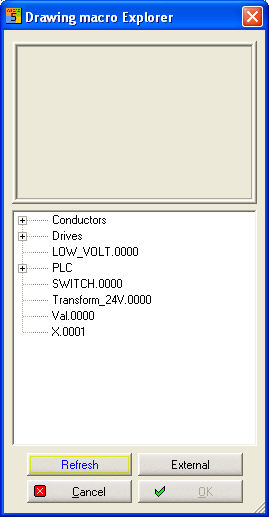
The listing structure is again read in and indicated in the Drawing macro Explorer.
It is indicated to the file open dialogue and you be able to select drawing macros outside of the given listing structure.
A ICON (*.ico) can be assigned to each subdirectory (+ element) over the right mouse button. These are contained in the Windows system or in external editors themselves to provide.