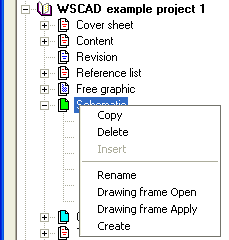
Using the Project Manager too
This menu option should only be used for creating drawing frames and/or forms. Use the Project Manager for creating new diagram pages for a project since the default drawing frames are also transferred here. Several diagram pages can also be created here immediately.
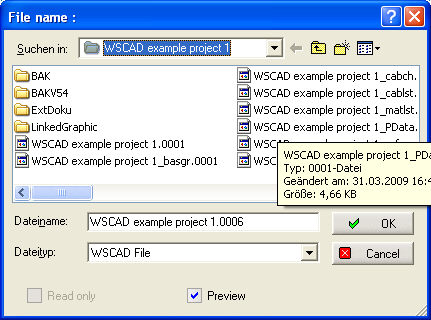
After clicking on the menu option File / New, the filename dialog opens. There, you can open or create the desired directory in which the new page is to be saved. Then enter the new filename.
The number in the file extension = page number in the set of drawings. Use the File preview in order to find your way about. This command produces a new empty page for your set of drawings or as a new form. In this case, the page settings from the active drawing such as grid, snap grid, size or even file type (circuit diagram or switch cabinet etc.) are transferred.
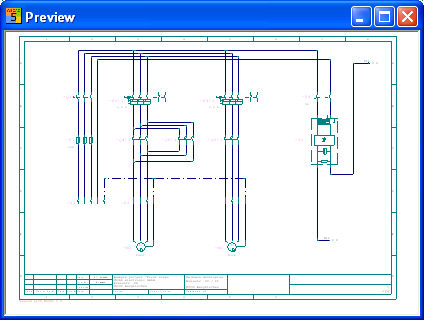
Use the option Preview for a better orientation.
See too
File organised with the Project Manager.