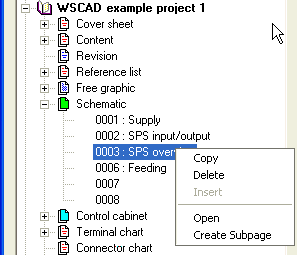
Using the Project Manager too
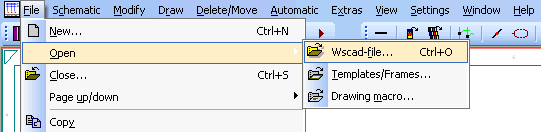
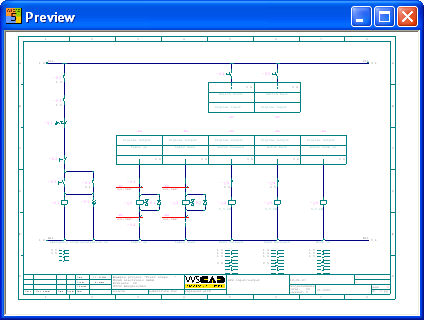
This main menu command allows an existing file (Wscad-file, Templates/Frames and Drawing macro) to be loaded (activated). In order to do this, start following dialog using option Preview.
• Wscad file: The open project is shown
• Templates/Frames: The folder Templates is shown.
• Drawing macro: The folder D_MAC is shown.
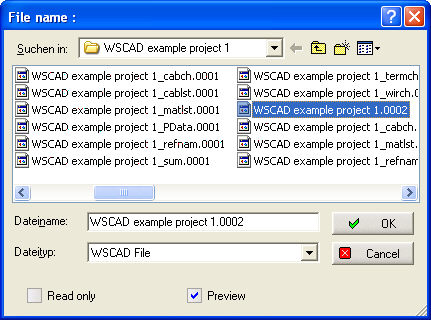
With the function Load file, please note that certain parameters (such as file type, snap grid and path information etc.) are saved at the same time. If the option Include the settings for the drawing is ticked on the General configuration tab “File”, then the parameters which have been set for the page in question apply.
Hint
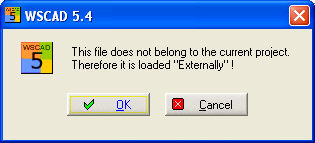
If a project is already open and you load a file which does not belong to the current project, then this file will be designated External in the title line.

This message will always appear when you wish to edit an external file.
See too
File organised with the Project Manager.