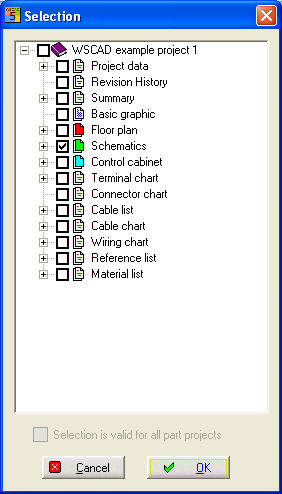
Choose Project / Convert / Graphic to create several File types from the schematics and listings. You'll get a Selection dialogue where you see all existing schematics and listings.
Select the relevant files an press OK.
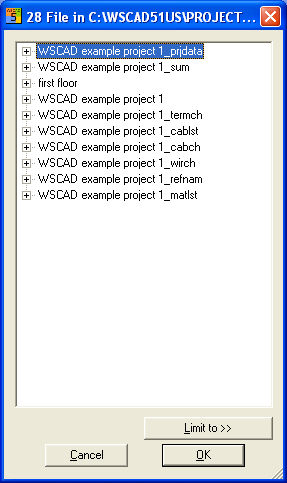
The files being converted as a Graphic-file can be determined according to date and selection with the button Limit to>>. Only those files will then be printed out which match the date which you have set in the selection filter. You can select either before, at or after a date or according to a time period, e.g. after 1.01.2008 and before 1.04.2008. Or only selected file types or files are included or excluded. Then press OK.
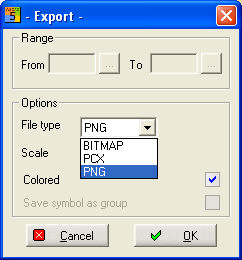
Select now the output format. After pressing OK each file will be saved