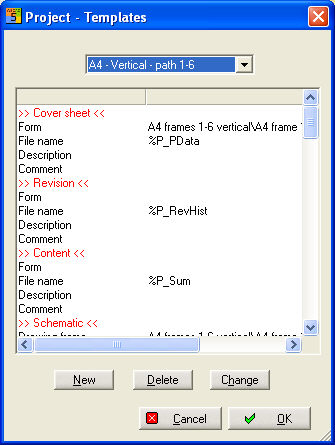
In the project management you can edit or exchange an existing template by using the menu item Project/Templates. This is possible for the selected project.
If you select Edit the already used template will be shown for editing.
If you select Accept you have to select an other template. This template will be used for the next actions like creating schematic or automated listings. There will be no effect on existing schematics or listings.