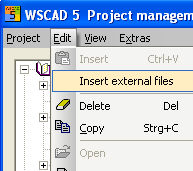
When a project is open, you can also insert files to the current project that do not belong to the project (i.e. external files). These files must of course be in WSCAD format. With the cursor activate the folder Schematics; this makes the menu item 'Edit – Insert external files' active.
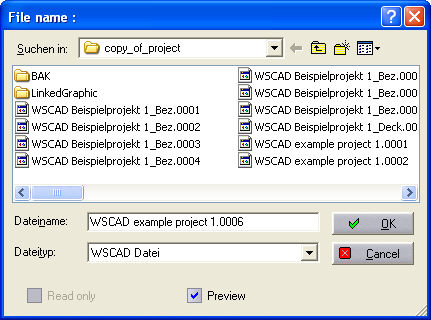
When this is activated, the File selection dialog with preview dialog opens up. This searches all the drives on the PC for WSCAD files and displays them in a list:
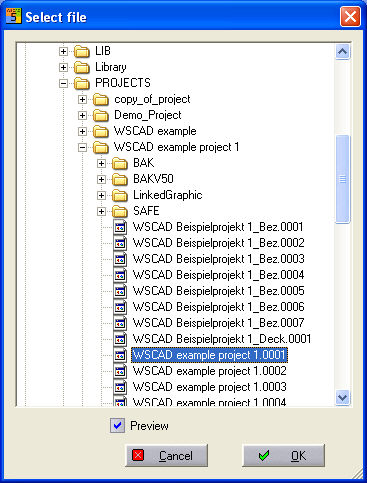
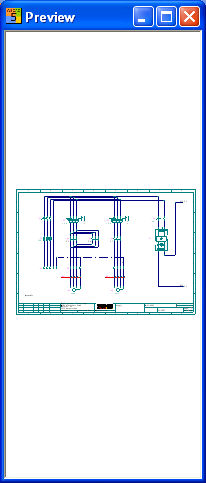
When you select a WSCAD file in one of the directories, you can see a preview of the file and can insert specific files by clicking on OK.
Note
If contactors /contacts are inserted, automatic functions such as the contactor manager take control.
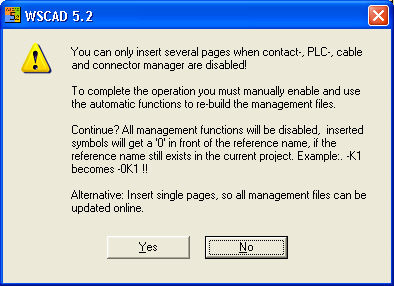
Yes opens up the standard Windows dialog with the file name preset and showing the next free page number (this can be set optionally in the project settings under Preset sheet numbers when inserting pages).