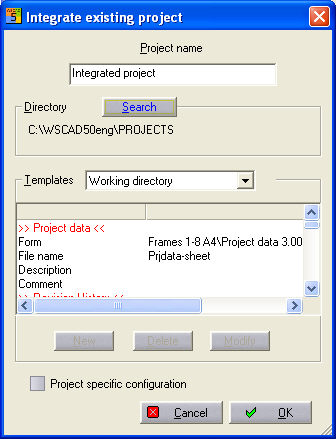
With this function you can integrate existing projects into the PM in a similar way to the Import function. The essential difference is that the program only refers to an already existing project directory containing WSCAD files. The existing project remains initially unaltered. Files are neither moved, copied nor replaced, nor is a Zip file used. If the drive in question is a CD-Rom or a Ram disk, WSCAD will offer to copy all the files into the displayed project directory (a project cannot be edited on a CD-Rom). If the files come from a CD-Rom, the write-protection is removed from the files. Start by using the menu item 'Project– Integrate'. Then the dialog 'Integrate existing project' opens.
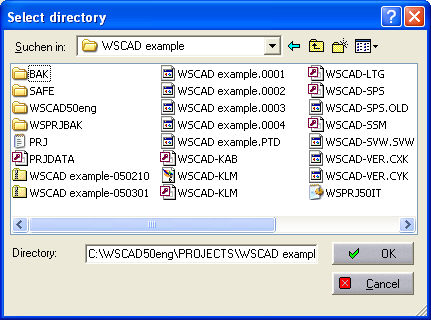
Enter your new project name and use Search to select the existing project directory containing the file you want to associate.
Click on 'OK' two times to associate the project into your project structure as an autonomous project. All the features, files and lists are integrated. Even WSCAD projects can be included.
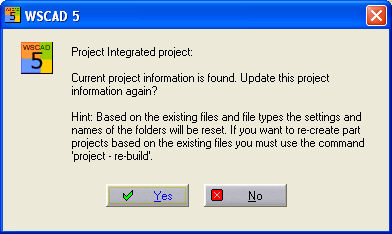
You have to confirm a dialog , about updating the project information and also the hint how to recreate a CPP project. Select Yes.
Hint
In the case of older projects that were created with V4.0 or older, not all features can be automatically integrated. For example, you will need to amend the file data in the lists, because the various file types were not yet available in the drawing format. You can also amend them directly via the Project manager.