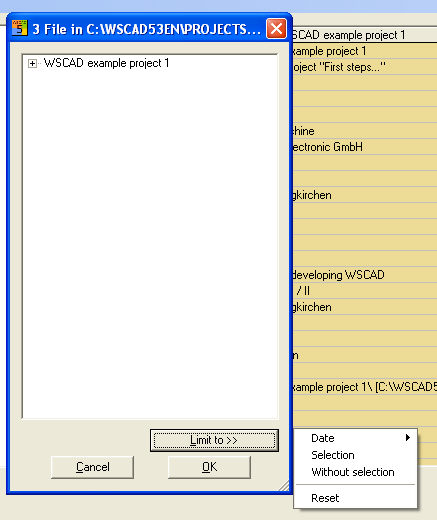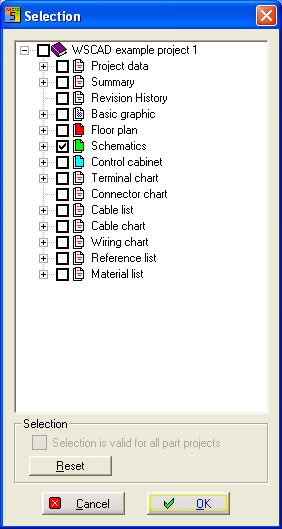
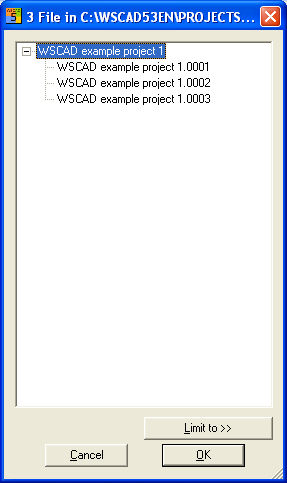
You are only able to print out opened projects. Choose the menu item Project / Print then you'll get a Selection dialogue where you see all existing schematics and listings.
Select the relevant files an press OK.
The files being printed out can be limited to Date, Selection and Without selection. Only those files will then be printed out which match the date which you have set in the selection filter. You can select date to before, at or after.