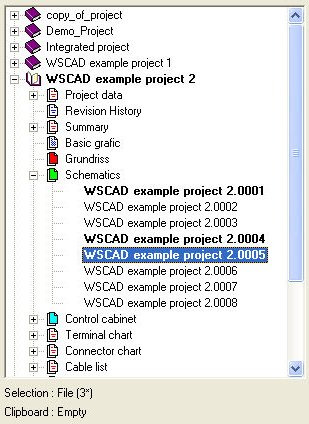
If you only wish to print out certain files, then you must make the selection beforehand in the Project Manager dialog.
These variants apply to all other file types as well as copying functions etc. In order to select several files, hold down the <Ctrl> key and click on the relevant files with the left mouse button.
In order to mark ranges, hold down the <Shift> key and click on the lowest of the diagram pages to be marked. All the diagram pages above and up to the selection which has already made will be marked at the same time.
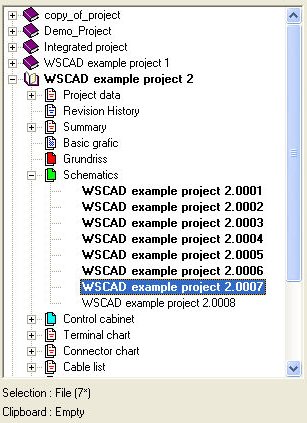
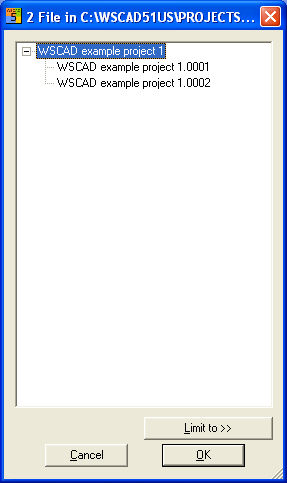
Once you have marked the files you want, select Project / Print from the menu or click on the appropriate button in the dialog. A list is produced of the files actually being printed out. Start the output with OK.