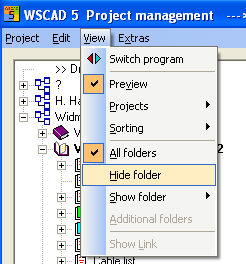
Within the Project manager the folders or projects can be filtered in or out as required. If for example you want to filter out the folder Cable list, select the folder and click on ‘'View - Hide folder’. The folders list is amended accordingly.
Keep the Ctrl Button pressed and select the project entries with a mouse click. Then you have to choose View / Hide Folder.
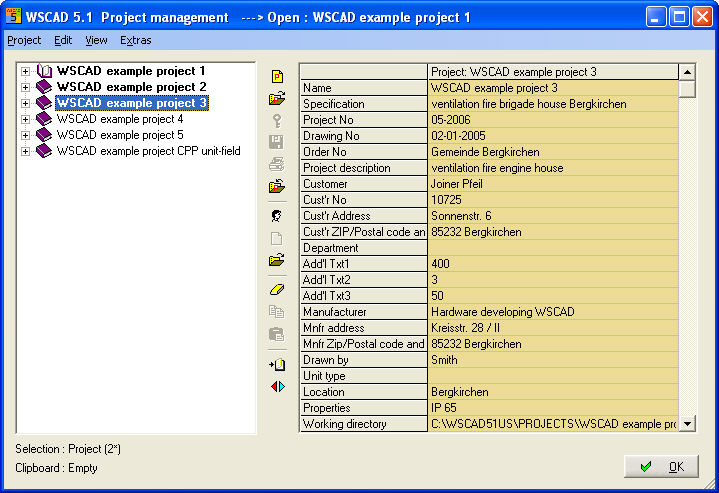
To make the folders and projects visible again choose View / Show Folder. You get an extended menu where you see the invisible folders and a project menuitem to start a listing of all projects which are invisible. Another option is to select the menu command ‘View – Show folder – All’. This command reveals all hidden folders of the project.
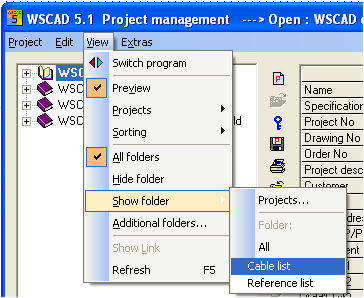
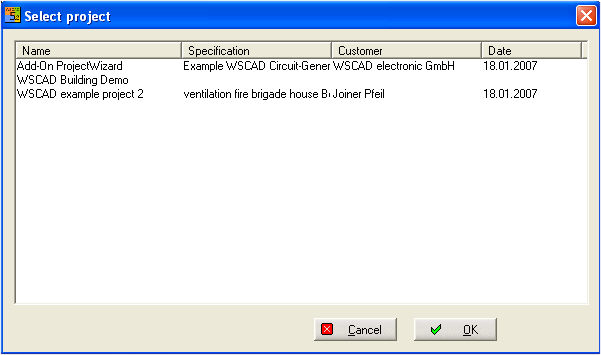
If you select Projects.. then you will see the listing. Here you select the project (or multi selection) and confirm OK then the project will be visible again.