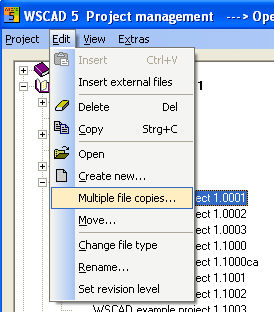
Mark the file and select the PM menu option Edit / Copy file.
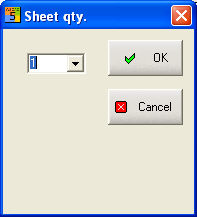
In the following standard dialog, you can enter the filename and with the file extension (.0001, .0002, ...) the first page number for the new files. You can also enter another target directory for the copied files. Circuit diagram (main) pages are created in the case of circuit diagram subpages. Use Open to open a display where you can decide on the number of copies. By selecting the number here, the corresponding copies are created in the selected folder.