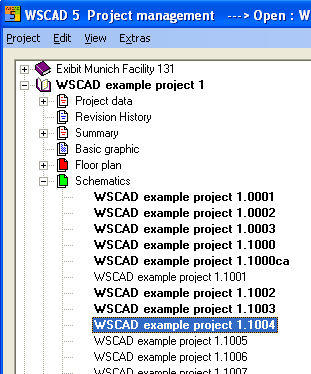
Mark the desired diagram pages of any particular project by holding down the <Ctrl> key and clicking on the relevant files with the left mouse button.
In order to mark a range, hold down the <Shift> key and click on the lowest of the diagram pages to be marked. All diagram pages above and up to the selection already made will be marked at the same time.
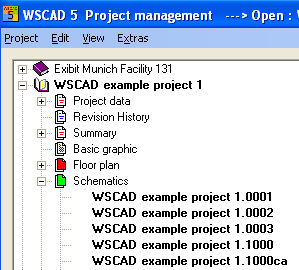
Unlike Windows Explorer, this procedure can be used many times over in order to select several ranges with the greatest of ease. Now click on the marked range with the right mouse button and, in the context menu which now opens, select Copy.