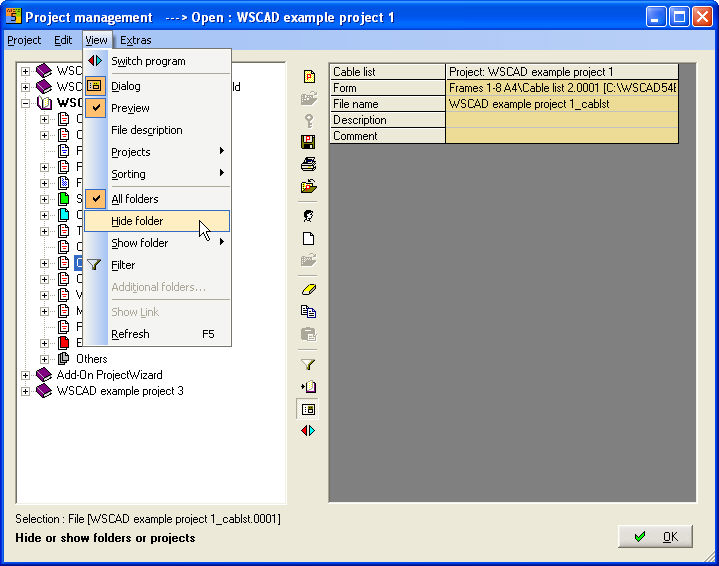
With the menu View there are a lot of opportunities to show and hide projects and folders of every Project.
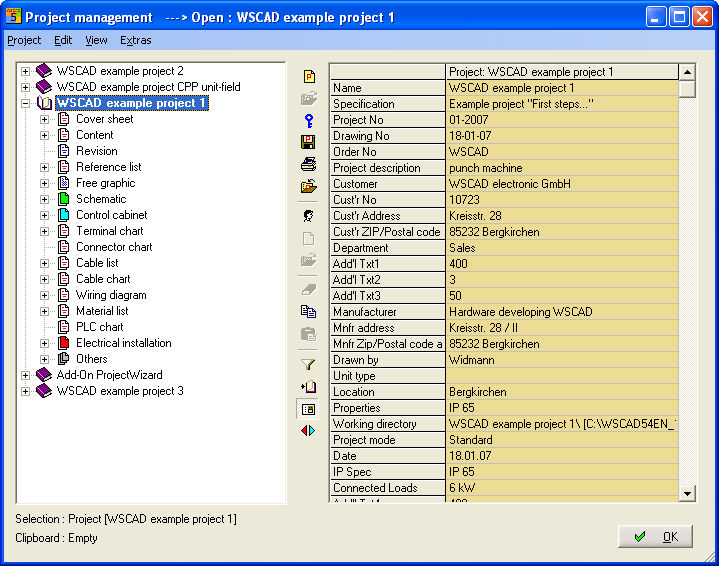
IF you click the plus sign + in front of a project name, the project opens. Here, you will now see the folders (Cover sheet and change level etc.) and may contain several files of identical name and type (e.g. diagram.0001-diagram.9999). You will not see plus signs on the folders when there are no files of the respective name and type present in the project directory.
You want to hide e.g. Cable list, then select the appropriate folder and choose View/Hide folder.
The view is refreshed then without Cable list.