This function only applies within an open project.
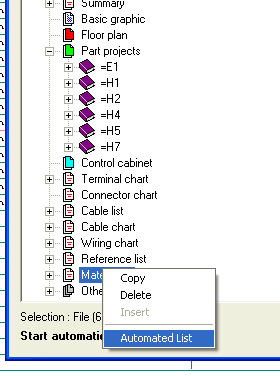
To start a listing, click on a folder (e.g. Terminal diagram) with the right mouse button and select the command Automated list from the menu that appears next.
You will therefore start the creation of the terminal diagram, equivalent to main menu command Automatic / Terminal diagram.