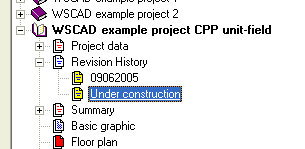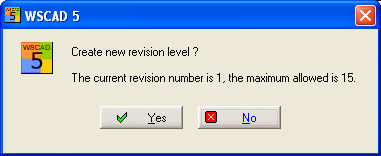
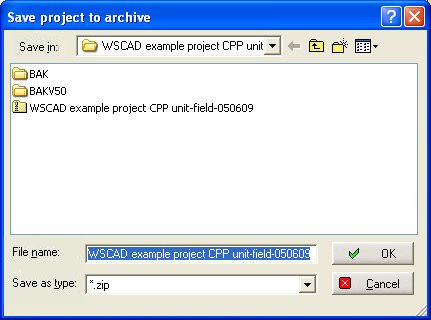
A new revision level can only be created once the project has been completed. You can start a new revision level for the currently open and completed project in the PM menu under Extras / revision level. After a prompt to save it, you can, if this has not already happened, save the entire project (as a compressed zip file, this process is skipped with Cancel).
A change entry is then generated in the PM and the status of the project changed
Example
1.revision level = Completed on 09062005
Status = In progress