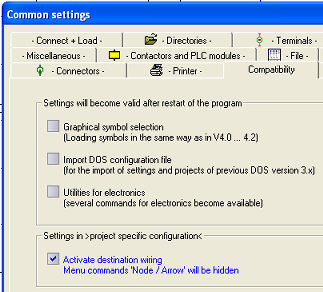
The menu option Line + Node/Arrow is only active once you have switched off the option Activate online destination wiring under Parameters / General / Compatibility tab. You must restart the program when you want to activate this.
 This command
is used to set connection nodes or arrows at the beginning
or end of the line depending on the option selected.
These options are available for selection after applying the menu option.
This command
is used to set connection nodes or arrows at the beginning
or end of the line depending on the option selected.
These options are available for selection after applying the menu option.
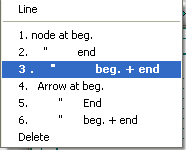
However, the nodes or arrows are only visible after fixing the line. Arrows are only drawn for vertical or horizontal connection lines, they are there only for display purposes and have no significance for automatic functions such as cross references.
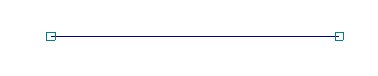
The command Schematic / Repeat only collects the last element drawn, i.e. node or arrow.