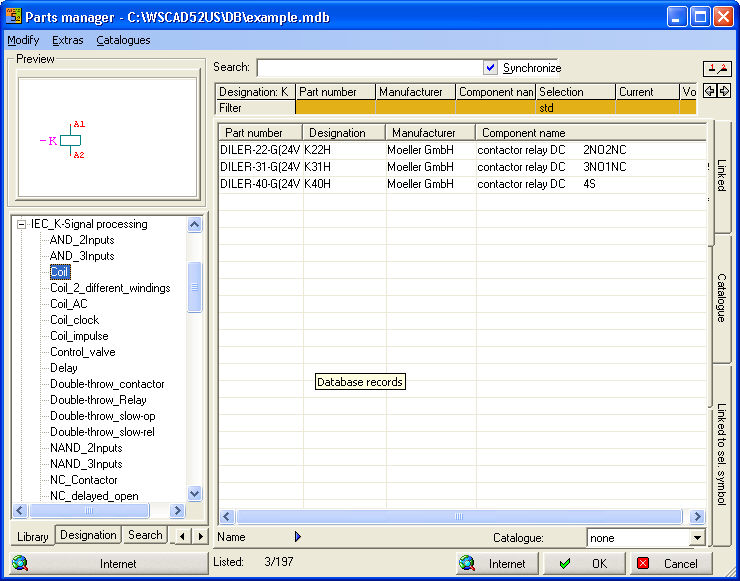
Loading a symbol and assigning an item at the same time
In the Professional version, use a database in which the individual items are stored. In order to obtain immediate connection between symbol + item data, use the menu option Schematic / Load item. The Load symbol and Assign item dialog is a combination between the Symbol Explorer and an Item Manager. In the symbol tree, search for the appropriate symbol and select the item from the Item Manager (both must be marked). Only then can you load the symbol at the cursor by using the OK button or a double click of the mouse and place it on the circuit diagram.
Note whether the Synchronisation option has been activated or not. This option activates the link between the symbol and item and then jumps to the assigned item or symbol during selection.