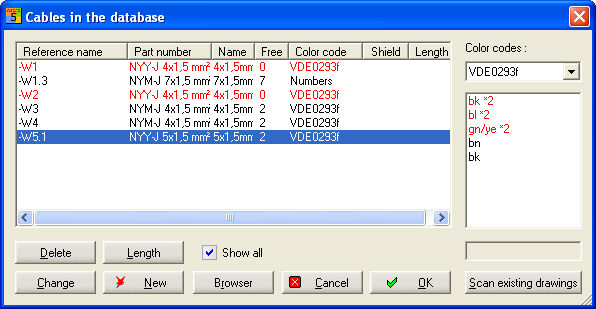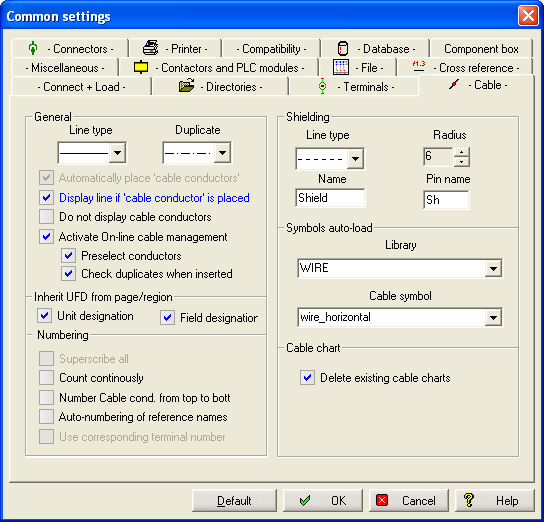
In order to draw cable duplicates, use the menu command Schematic / Cable duplicates. Functionality is dependent upon the possibility of assigning line names.
In case the line names of the connection lines in the cable duplicate presentation are not clear, the function is aborted due to error if the option Check duplicate when inserted under Settings / Common Settings / Cable is activated.
You set the starting point with a click of the left mouse button, then draw the (cable) line over the area of the lines that will belong to this cable and place the endpoint with another click of the left mouse button.
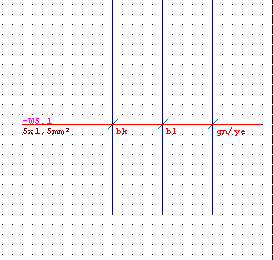
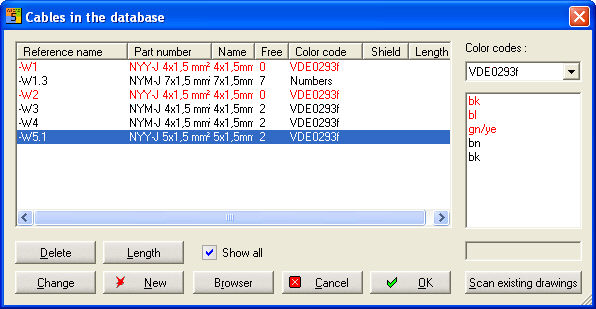
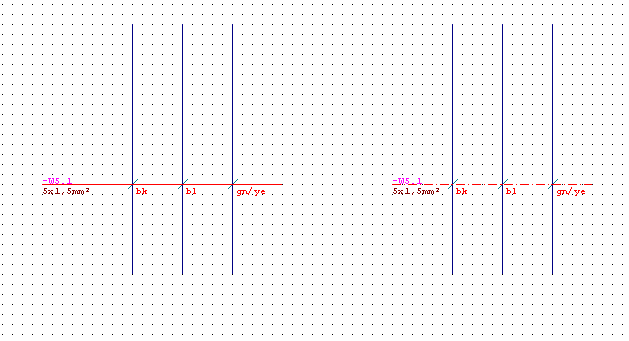
With menu Schematic / Cable duplicates draw the cable line and choose the cable in the database which is to duplicate.
The drawing line is now a broken line.
Coding in cable management
The code *2 next to the conductor designations in cable management indicates that a cable duplicate was already drawn.