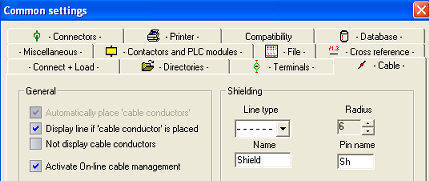
In the configuration Terminals + Cables you find settings which determine the shape of a shield and the information transferred into automated listings. All these settings only have an effect on newly drawn cable shields.
Line type: Determines the line type (not: half circle)
Radius: Determines the size of the half circle
Name: This text becomes the function text of the cable shield
Pin name: This is the name of the connection point (pin)
All these texts are normally not shown in the schematics, therefore they are marked as invisible.
Example: Shield of the cable –W5

Note
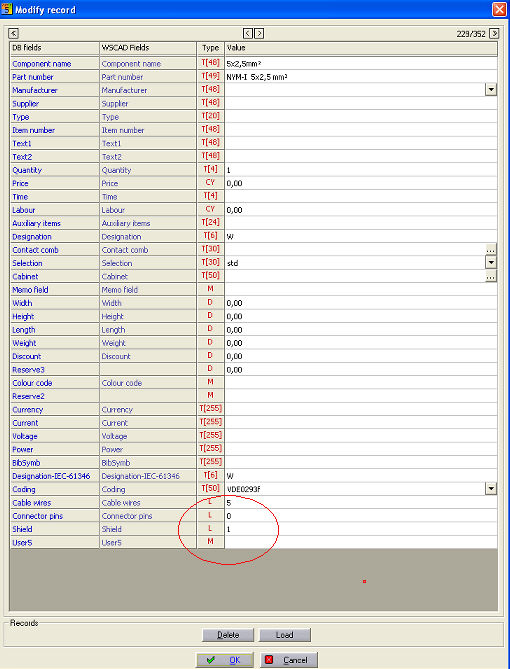
Cables with shields must have a '1' in the field 'height' of the material database, if you wish to work with the cable manager.