The Black Box makes it easier to use WSCAD 5 without interruption. This function allows you to create symbols directly in a schematics without having to open up the Symbol editor.
To start this process, activate the menu item ‘Schematic - Black Box’.
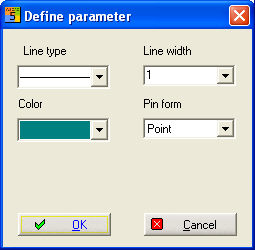
The first instruction is to define parameter:
After that draw the rectangle:
Click the start point of the rectangle which can be dragged to size with the cursor. The second click fixes the size of the Black Box.
Where the Black Box cuts into connection lines, pins are automatically placed and numbered.
With Exit you can define the parameters of the Black-Box.
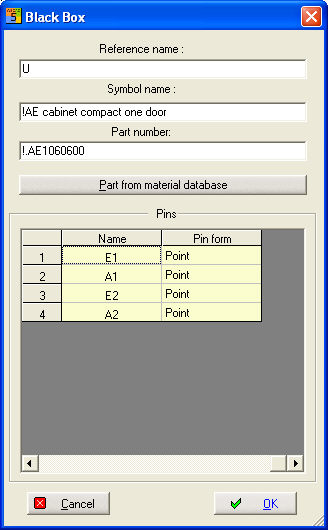
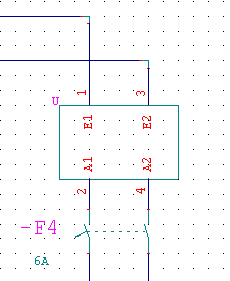
With Place you can position additional Pin´s for connection´s.
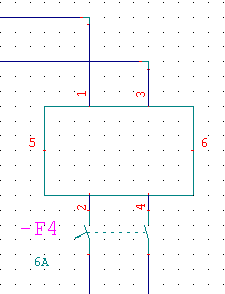
Please note that connection pins must always be placed on the "body" of the Black Box
Note
The automatic numbering only applies to vertical connection lines
The sequence of the pin numbers follows the order in which the connection lines were drawn (chronological order). The "oldest" of the connection lines is thus number "1". Further pins can also be placed and numbered automatically. The process is ended with the <ESC> key or with a click of the right mouse button.