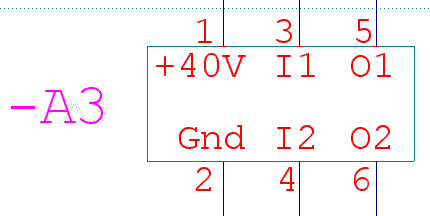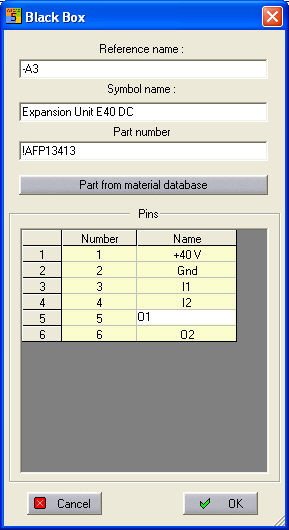
When all the pins have been placed, the Black Box dialog opens up automatically. This displays all the information about the Black Box, which can be edited.
In the Professional module, the reference name must be entered, then you can move directly into the Parts manager dialog via the button Parts from material database.
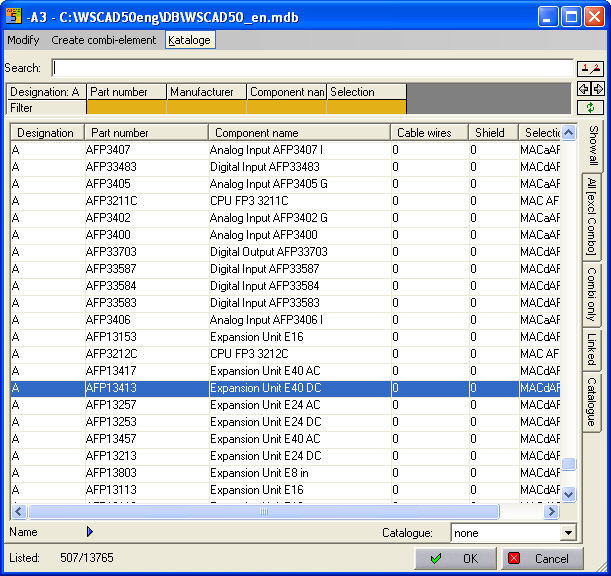
When selecting parts, the values for Symbol name and Part name are copied across (these are invisible in the drawing because of their prefixed "!").
In the Compact and Basic versions the fields can be filled in manually.
The name and number of the pins can also be edited. After the dialog has been closed with OK, the values in the Black Box are amended with extended, modified or new data.