If you wish to use a compact switchgear for motor protection and the power contactor, you can do this with the application of the component box.
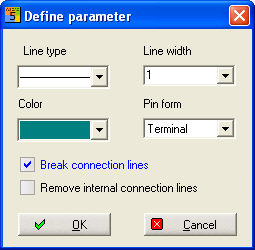
Use the command Schematic / component box and define Parameters. Option Break connection lines to set connection pins automatically.
Draw a rectangle around the area that forms a functional unit.
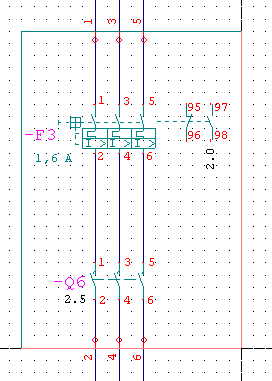
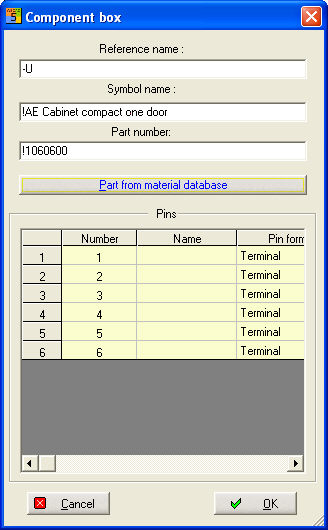
You can now add further connection pins by clicking the left mouse button. If you do not wish to add any other connection pins, you can abort with ESC and the component box dialog appears. Here you enter the reference name as well as the part number and the symbol name. Here you can also edit the connection name.