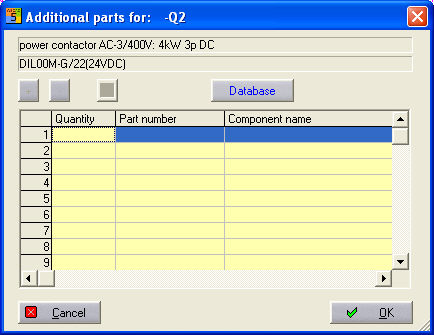
Standard, main element and coil type symbols can be used to manage additional items. Clicking on the additional items symbol parameter starts a dialogue in which you can store up to 10 more item numbers for the currently selected symbol in addition so that these can be evaluated later as well in the material list. The settings made apply to this symbol alone. However, they are transferred at the same time when copying a symbol.
In this dialogue, select the Module name field, click on the Database button and then the Item Manager opens. There, look for the relevant item and transfer it to the table.
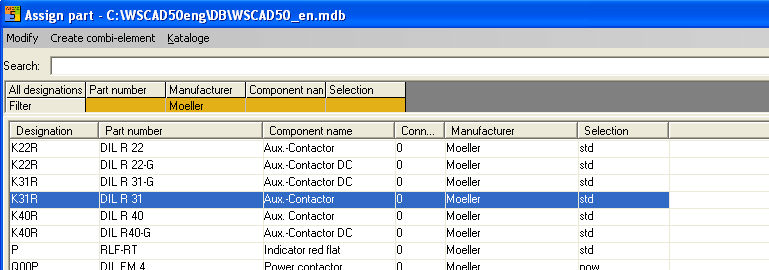
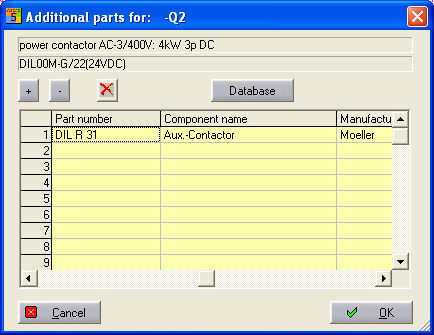
The minimum information for the values to be saved is the data in the fields for Number and Module name.
With the control commands + and - you can vary the number of selected items and remove them again with the Delete X button.