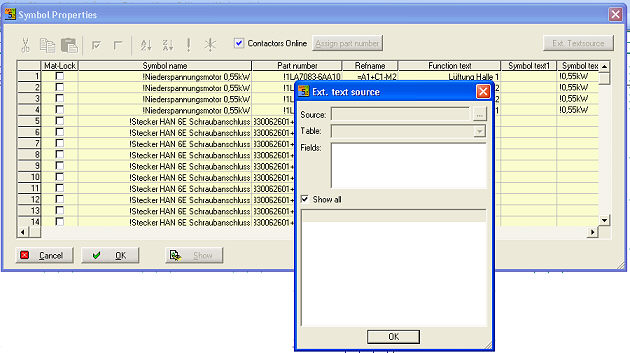
If you have data sources, which are unable to merge into the WSCAD database. An example for this are records of measurements. If you press the button Ext. Text source, the import dialog opens.
With the button  you opens the select
source dialog.
you opens the select
source dialog.
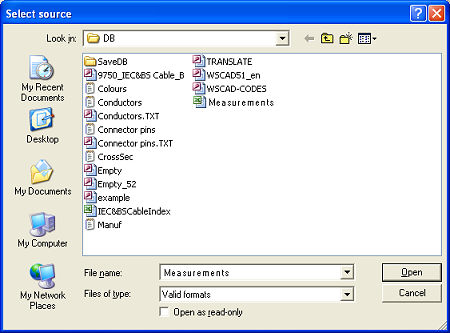
Belonging to the source format you be able to select tables or fields of the source data.
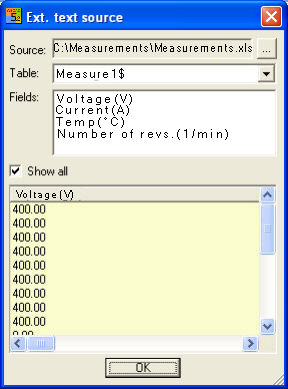
With option Show all you always see every entry at the data source. At the dialog you can make a single selection or multiple selection (Ctrl-key). If you have the values already selected, then pull these with pressed left mouse button in the dialogue into the field, in which the insertion have to be. The values are transferred to the symbol parameters.