Sorting
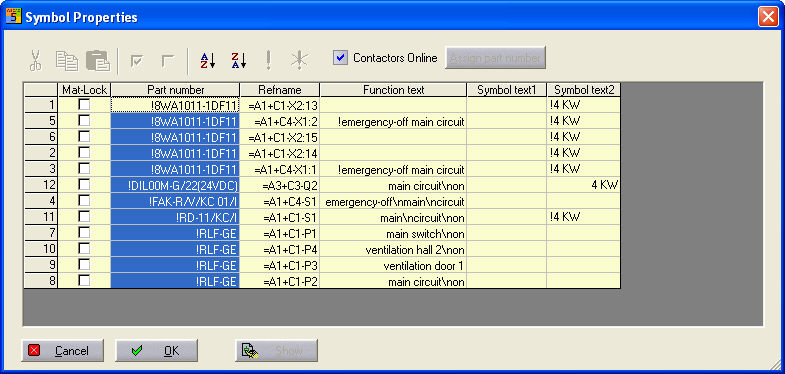
The visible columns in the dialog can be displayed in various ways. You can highlight a column by clicking in the column header.
The menu symbols become active and you can set the sort order alphabetically to Ascending (button 1) or Descending (button 2).
 1
2
1
2
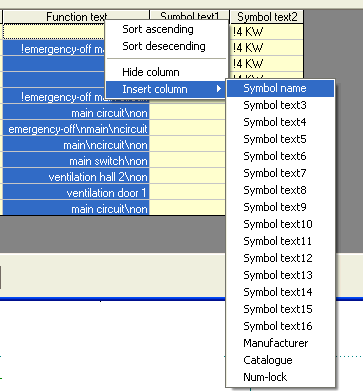
Hide/unhide columns:
In order to keep the dialog uncluttered, you can hide or unhide individual columns, so you only have to display a column when you actually need it. Click with the right mouse button in the column header to display the context menu in which you can unhide the individual columns.