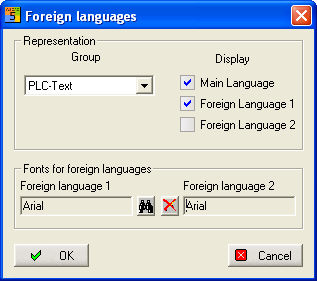
So that you can at least change the character sets of the Foreign languages 1 and 2 in the basic version, new dialogs have been introduced here also. Under Change / Foreign languages / Manage and translate, a dialog starts which enables the fonts to be changed for Foreign languages 1 and 2.
Under Group, you set the general text type to which this change is to apply: (General text, PLC text and Variable)
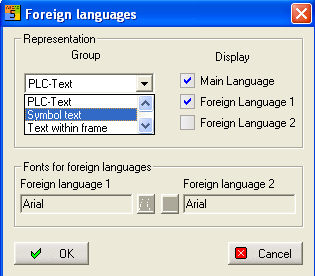
The fonts which are displayed are determined under Display. The relevant display is switched on or off depending on whether the box has been checked. Now click on the Foreign language 1 field of the Character sets for foreign languages area, then the button next to it turns into a set of binoculars symbol. If you click on the binoculars, then the standard Windows dialog opens for setting the character set.
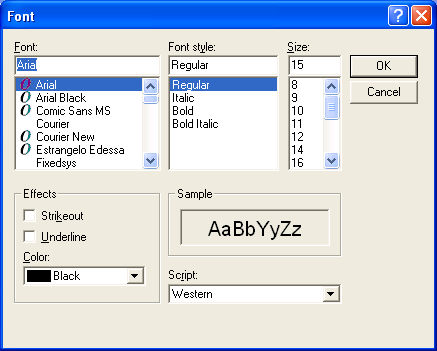
After selection, the type of character set which has been chosen is written to the relevant field, and after clicking on the Finished button, the font of the character set changes and the dialog closes. However, the font size is ignored.