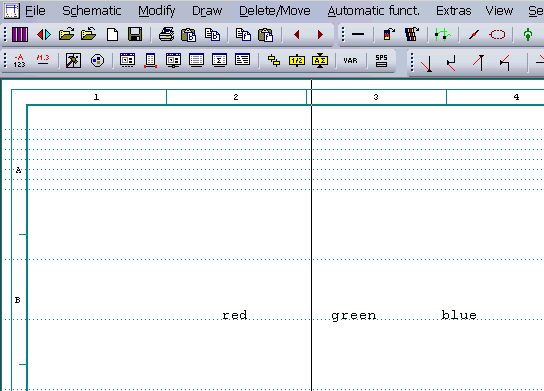
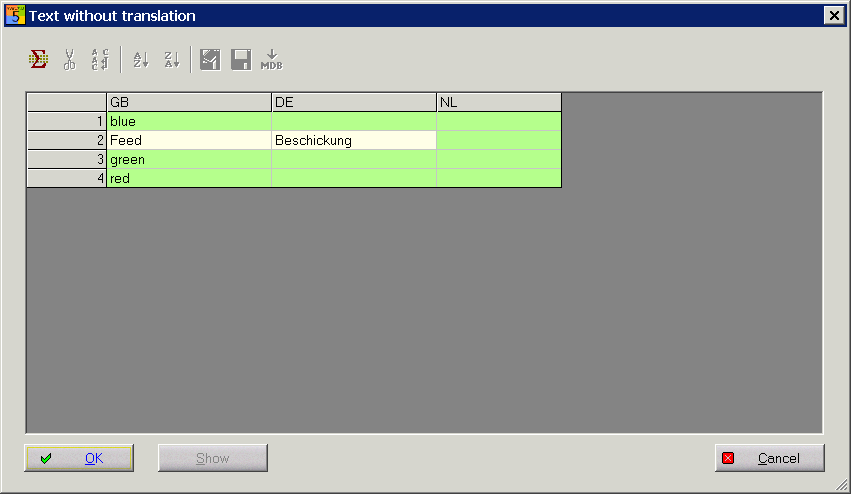
In the translation process, all the texts for which there are no translations in respective languages (main language, 1. and/or 2. foreign language) and which correspond to the above options are displayed in a separate dialog. New texts are shown in a green field, partially available texts in a yellow field.
Example of some new words:
All the new words of the main language are displayed (green). The columns of the selected 1. and 2. foreign language are also displayed. Enter the translations you know in the respective field. Click simply in the given field and begin entering your data with the keyboard.
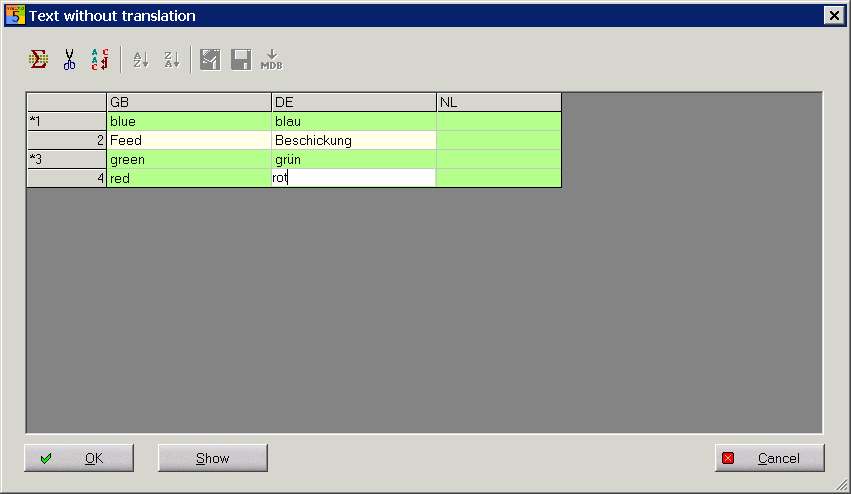
With OK you end the process. A decision dialog appears where you are asked to decide whether the missing texts (of the main language) are to be included into the lexicon and/or schematics.
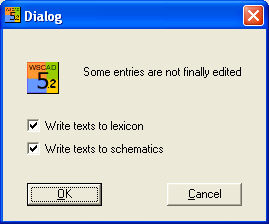
With OK you update the translation.
A call of the translation again has the now following appearance. Only the green fields are translated. If the translations are unknown, then you can export the marked fields into an own ACCESS data base.
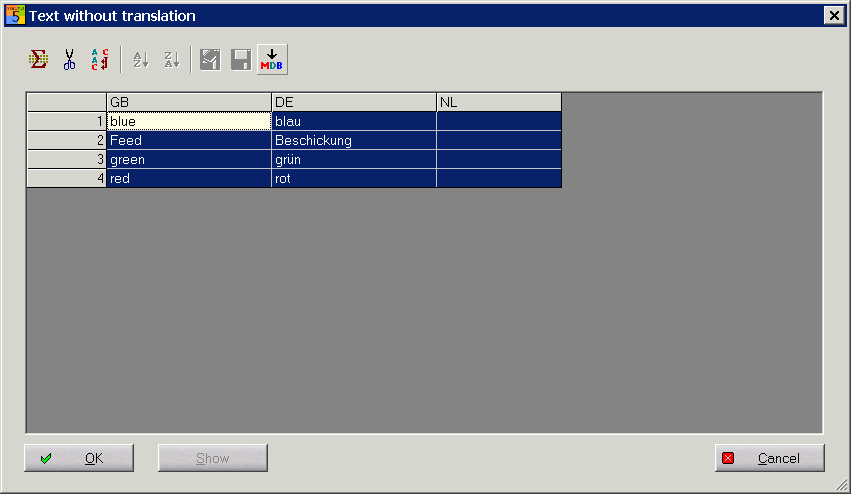
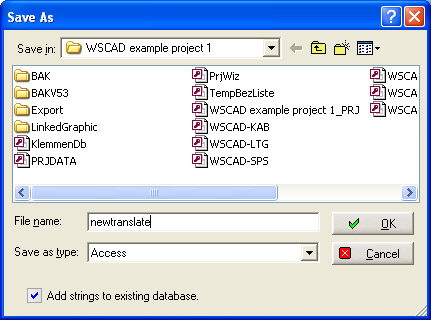
Export by pressing the MDB button the marked texts in an Access data base.
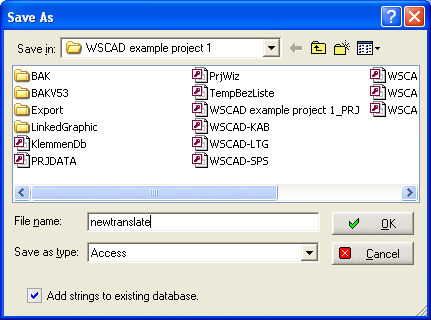
Determine the folder and the name of the data base. You send this data base to a translation agency and import then into the lexicon data base back.
In general, texts are also used which consist of several words (string). These can, in most cases, not be translated word for word without losing the meaning or language flow.
There is a word by word translation function which makes it possible to break down strings into individual words.
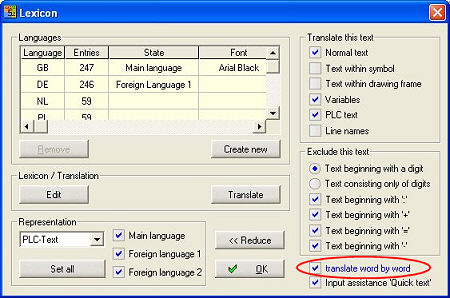
If you switch on this option, the function tries to compose the strings from the individual words. If this does not succeed, the unknown strings are displayed in the familiar dialog.
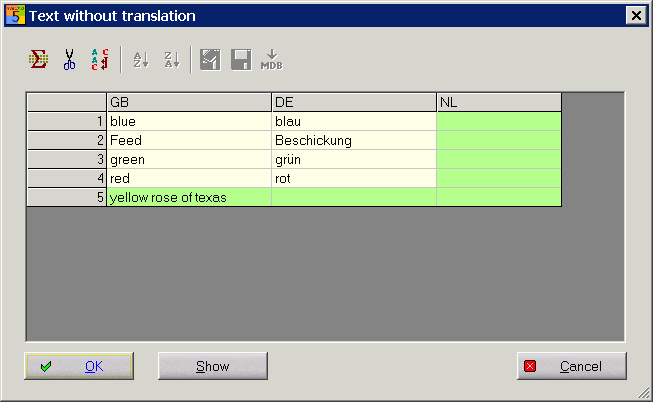
In order to break down the unknown string into individual words, you have to mark all the unknown strings and use the box Lines for word by word edition ... or Ctrl+M.
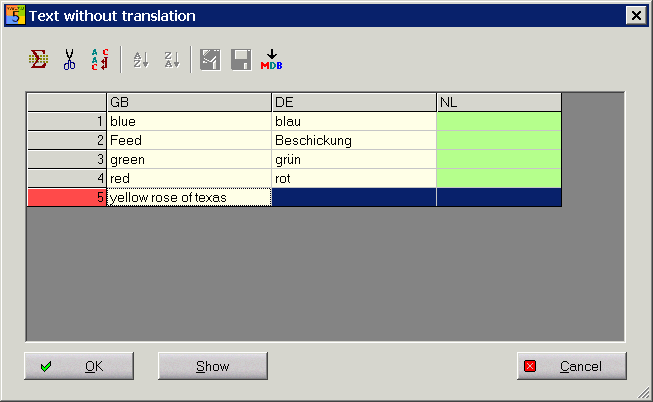
With icon MDB store the individual words in an own database.