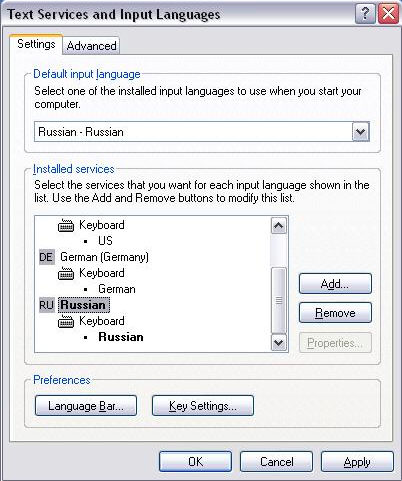
Activate in the Windows control panel the Regional and Language Options. The Tab Languages and Details leads to the tab Settings. Choose the desired character sets (languages). The example shows Windows XP.
Language settings
In WSCAD for Windows under Settings / Fonts, select a font which supports the current style (in this case Cyrillic) and activate the Change font option under .
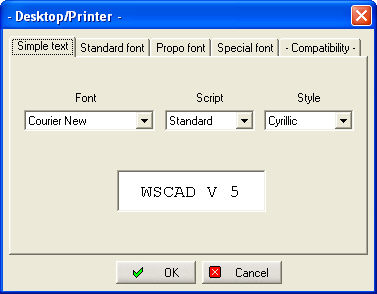
Simple text, for example, is now entered in the style of the Cyrillic keyboard .