You should use this command if you want
a component not to appear in the material list. This command inserts at
the beginning of the component name (but after an existing '!') a specified
sign (default: '.'). You can configure this sign.
You should use this command if you want
a component not to appear in the material list. This command inserts at
the beginning of the component name (but after an existing '!') a specified
sign (default: '.'). You can configure this sign.
You should use this command if you want
a component not to appear in the material list. This command inserts at
the beginning of the component name (but after an existing '!') a specified
sign (default: '.'). You can configure this sign.
Repeat this function to undo the exclusion
Hint
You can see the special sign if you use the command 'Modify - Symbol parameters'
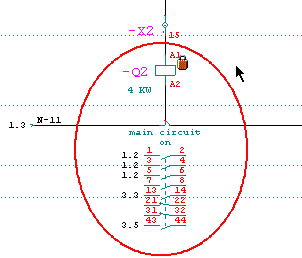
If you set the menuitem View / Mark mat-locked symbols then you'll see a sign at the excluded component.