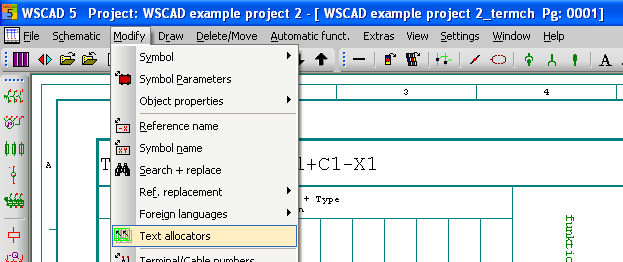
This command starts a Text allocators Manager dialog. In this dialog, you can add new wild cards or delete existing ones and change the formatting and the font size of the display. Text allocators can only be edited in forms, or in evaluation lists prepared from forms. The menu option is only activated when there is a form (or evaluation list) in the active drawing memory.