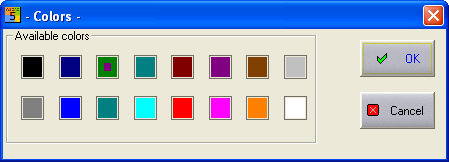
The 'Color' command is used to select the active drawing colour. After selecting the command, a dialog shows you the 16 available colours, from which a colour can be selected:
The active colour, designated by a rectangle in the middle of the colour area, is the colour used by the drawing commands on the ‘Draw’ menu. The colour selected on this palette has no effect on the colour selected for the text commands.
Hint
You also have access to the current drawing colour by using the information bar