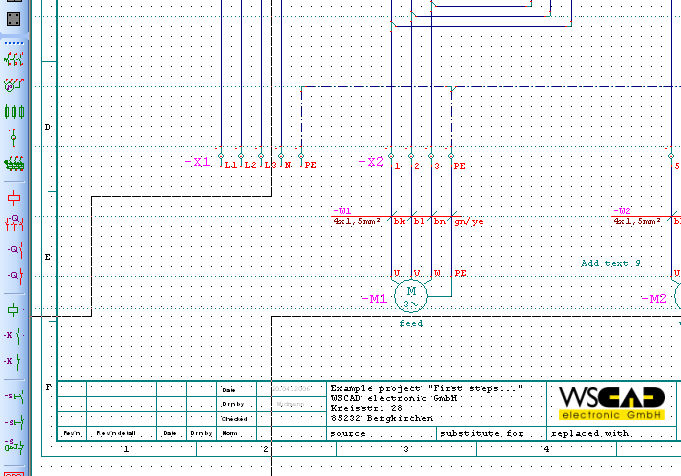
The Text Box offers the possibility larger text sections keeping together. This is useful for formatting and of determining the line-makeup. At the same time 3 different versions can be stored by a Text Box.
Give after menu call a rectangle, into which the Text Box is to be inserted.
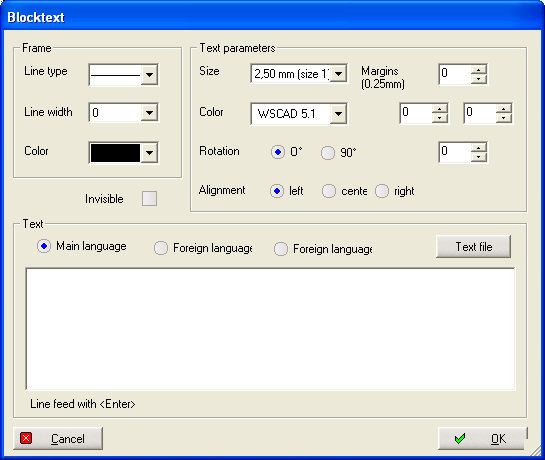
The Text Box can be made invisible with the small box Invisible.
Within the Frame determine you a Line type, Line width and Color for the noted rectangle.
y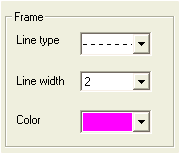
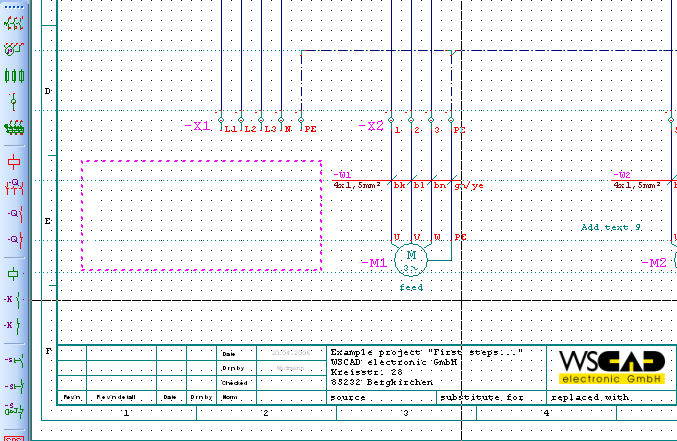
In the range text parameters adjust you beside the text size and the color the adjustment 0° or 90° as well as the general adjustment (left, centrically, right) of the text in the rectangle. Here you know also a margin region between rectangle and text for all pages adjusting framing for the noted rectangle.
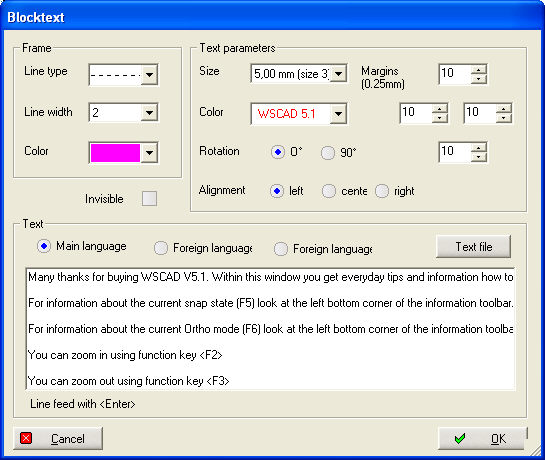
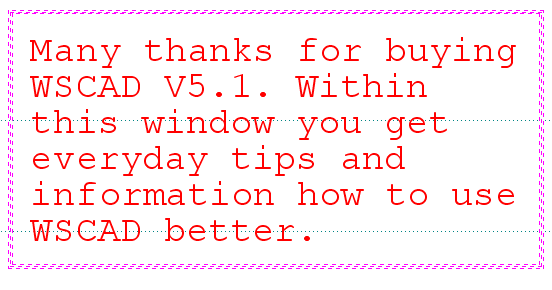
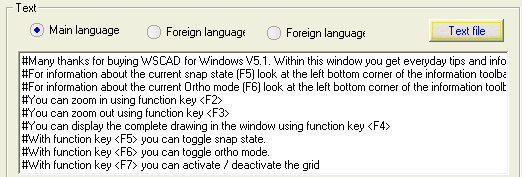
In the range text you can enter the text or use an import function of texts from a text file. Look for the text over the file open dialgue. After the selection the text is indicated immediately and can be edited.
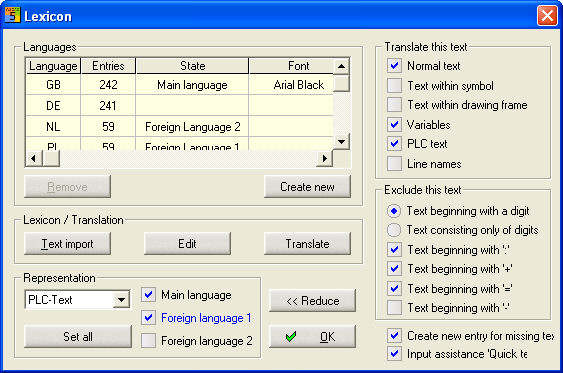
The text under the option Main language is stored automatically. If they place 1 or 2 now on foreign language, then you can store further 2 versions of the text. The foreign language becomes visible only if it in the foreign language translation the attitude 1. or 2. Foreign language for the block text stop.
With OK you leave the dialogue and the text into the rectangle are positioned. The text is cut off, if it does not fit into the rectangle.
If you click with the right mouse button on the Text Box, then a context menu becomes active.
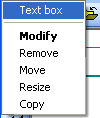
With Modify the input dialogue restarts.
With Remove you delete the Text Box with all versions.
With Move you can again position the block text within the plan
With Resize you must the edge of the rectangle select and be able to do the form to then determine again the text thereby are automatically adapted.
Provided with Copy will made a copy of the Text Box and these can within the plan again be positioned.
If you would like to copy the Text Box on another side, use the function Ctrl+C and Ctrl+V.