 The reference
names of the symbols as
well as terminal connections and
cable lines are automatically
numbered.
The reference
names of the symbols as
well as terminal connections and
cable lines are automatically
numbered.
The reference
names of the symbols as
well as terminal connections and
cable lines are automatically
numbered.
During numbering, WSCAD 5 carries out a check of certain symbols. For terminals without reference, it checks the assignment, and for PLC additional elements, the assignment to the main element. In versions without contactor management (basic and compact), it identifies and reports coils without reference or with a reference given several times as well as contacts without reference. After auto-numbering, contactor management, cable management, connector management and the PLC database are updated. If you number cables, duplicates will also be taken into account.
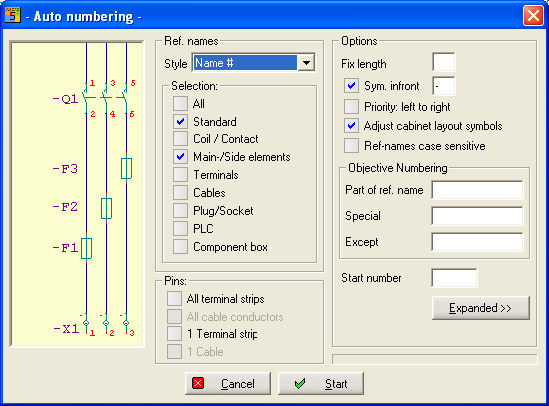
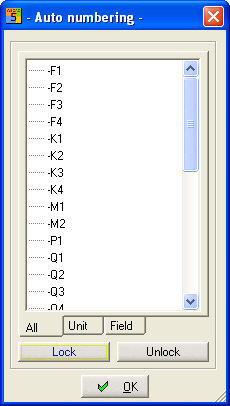
Select the type of numbering from the dialog and then start the numbering run.