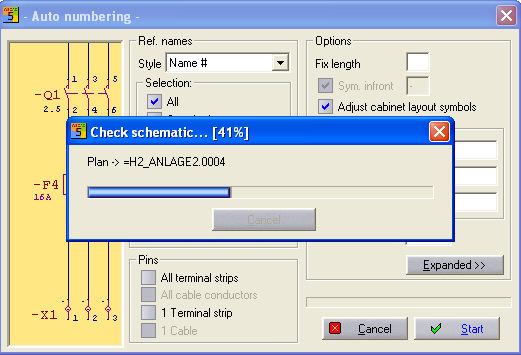
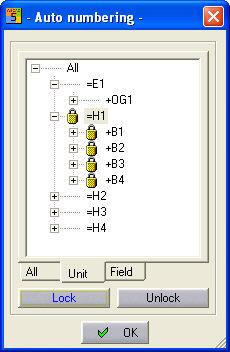
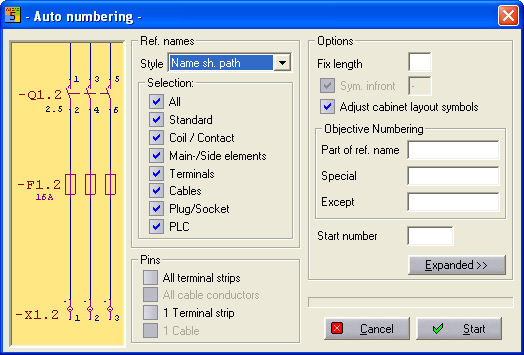
If you click on the Expanded button in the dialog, then an image appears of all the reference names being used throughout the project (including the CPP project) and a short reading-in procedure starts.
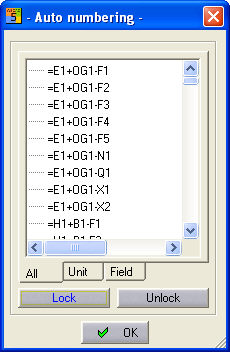
This extension is used to display the lockouts of individual references for the numbering. The two buttons, Lock and Unlock enable the reference to be locked and unlocked after selection. This is represented by a special symbol. The OK button closes this extension and then you only see the Autonumbering dialog.
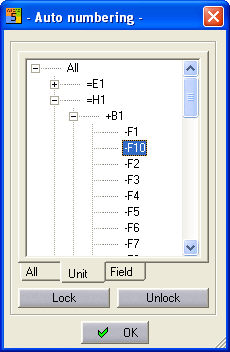
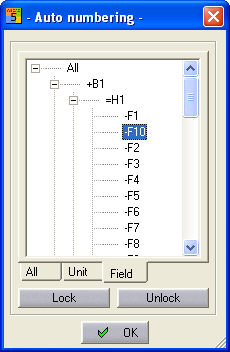
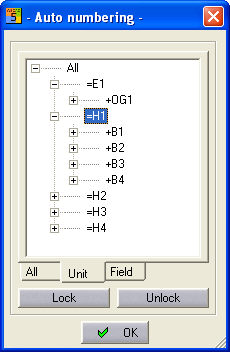
The Unit or Field tabs have been introduced to enable you to work in CPP projects also flexibly and clearly.
If you want to lock a reference name for the numbering, then select one or more references (left mouse button (individual), Shift + left mouse button (range) or Ctrl + left mouse button (add individually)) and click on the Lock button.
Example: individual selection
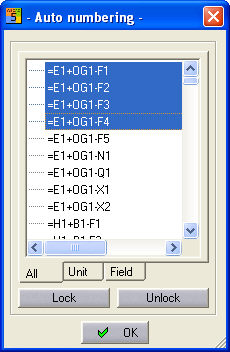
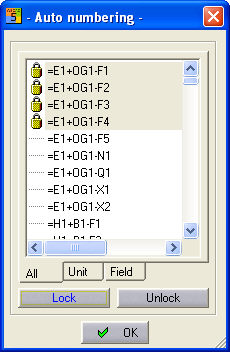
Example: selection of Unit or Field
Once you have made your selection, start the autonumbering procedure with the other desired settings using the Start button. If you have implemented further settings here, all the settings are taken into account for the numbering.
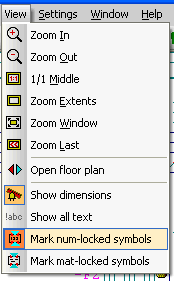
In the main menu, under View / Indicate symbols with num. lock you will find a way of showing the locks on the circuit diagram. The reference names which contain locks will be indicated by a padlock.
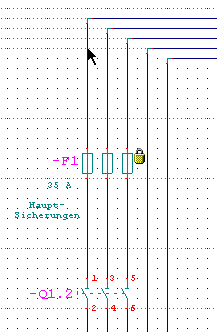
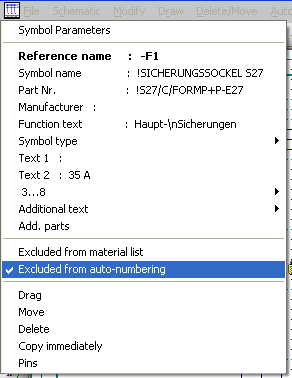
The symbol parameters for this symbol are given another value which you can use to activate or deactivate this lock.