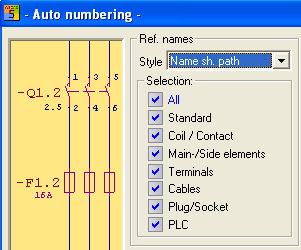
You can use the following options to specify which symbol types are processed by the automatic numbering. Only the selected elements are numbered, the remaining ones are not modified.
The symbol types, e.g., standard, coil / contact, main – auxiliary element must be selected if the relevant symbol type shall be included in the next numbering run.
Corresponding to the numbering type selected, the reference names of the selected symbol types are renumbered and extended in the reference name.
|
Style |
Type of numbering |
|
Name # |
Number consecutively across the entire drawing set |
|
Name sheet Path |
Name, sheet number, path |
|
Sheet Name #1 |
Sheet, name, number beginning with 1 for each sheet |
|
Sheet Name # |
Sheet, name, consecutive number |
|
Sheet Name #1 |
Sheet, name, number beginning with 1 for each sheet |
|
Sheet Name path |
Sheet number, name, path |
Since reference names of terminals and cables are usually assigned manually, they are normally excluded from numbering. In addition, the options all cable cores or 1 cable are only active if the online cable management is deactivated. All existing reference names and their connections are numbered with all cable cores all terminal connections. The starting value here applies to the first reference name.
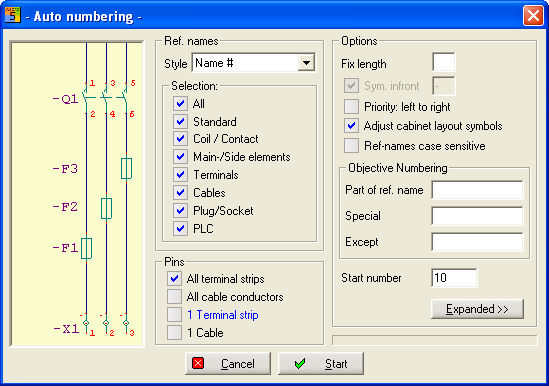
If you activate the option 1 cable or 1 terminal strip, then you will prompted – after clicking on the Start button – (to specify) the respective cable core or terminal symbol. The auto-numbering dialog is closed thereby without performing another numbering activity.
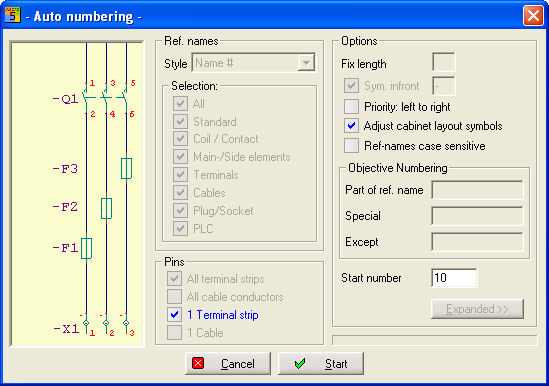
If you select 1 terminal strip then the value in the field starting number will be defined as starting value for the first connection of the selected symbol (e.g., first terminal connection).

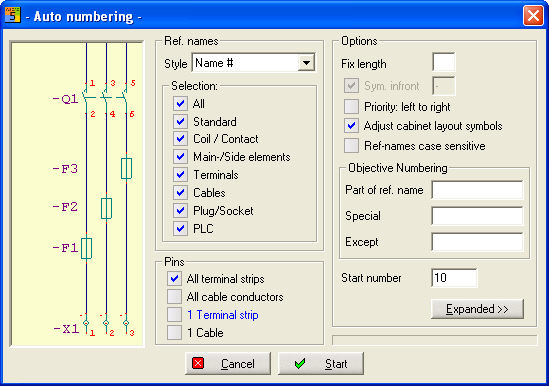
If you select All Terminal strip then the value in the field starting number will be defined as starting value for the first terminal strip.

Hint
If the automatic numbering is started although no symbol type has been activated, then the symbols are nonetheless sorted in the drawing memory if this option is activated !