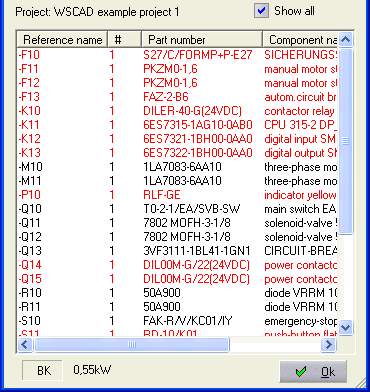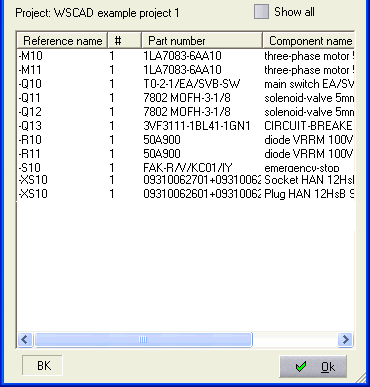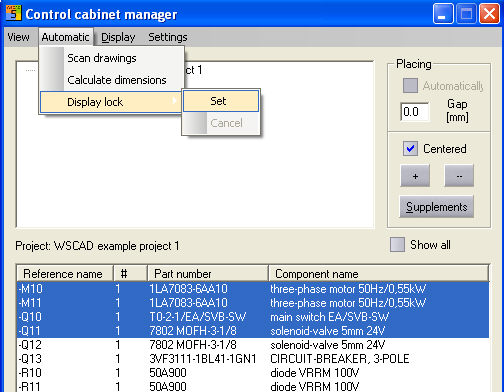
With the CCM menu commands Automatic / Display lock / Set or Remove, you can hide selected symbols in the CCM preview or remove this lock again. It is also possible to make repeated selections (hold down the <Ctrl> key and click on the individual symbols using the left mouse button).
By activating the checkbox Show all, you can ignore the selection mentioned above so, as you see from the symbol list all symbols read in, regardless of whether or not they have already been placed in the control cabinet layout.
Hint
If a symbol has been placed, the text color of the symbol in the symbol list of the SCM changes or no longer appears in the symbol list if Show all is switched off.
Show all
Off On