In order to work with the CCM, a list of all symbols must first be created internally despite all the circuit diagram pages. The plugs and sockets are also read into the CCM.
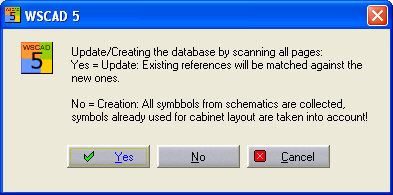
You start reading in the diagrams of a project using the CCMmenu command Automatic / Read in diagrams. When you are carrying this out for a project for the first time, this list (of all the modules from the circuit diagrams) is created internally. If a list has already been created at some time, the following query dialog appears:
If you select Yes, then placements made on a control cabinet diagram before are retained. If this list has changed, because symbols have been deleted for example, this will be indicated by corresponding messages such as “3 has been deleted”.
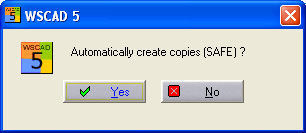
If you confirm with No, then the entire symbol list is created all over again. All placements which were possibly noticed beforehand are rejected, recreated from the circuit diagram pages and compared with those in the control cabinet diagram. If you have made manual changes to the control cabinet diagram afterwards, it is possible that the restoration will not be complete. At this point, you can make a backup copy.
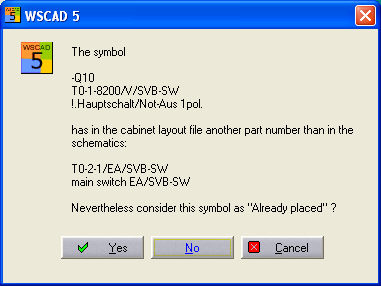
As things develop, the CCM will recognise item numbers in the modules which have already been placed. Here, a message will appear and you can decide whether the symbol in the CCM is to continue to be treated as placed.
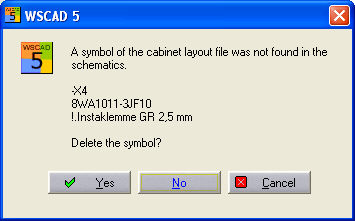
Cancel aborts the reading in process.
Hint
When you start the CCM for the first time for a particular project, then you must first allow the diagrams to be read in again. The program will recognize a symbol list which may have been created beforehand and will activate it without starting the reading-in process again.