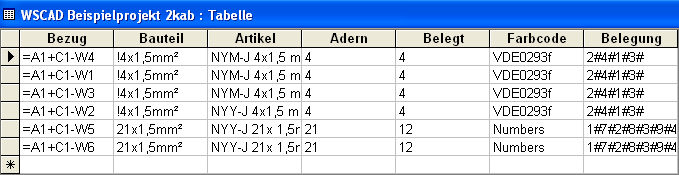
This database is located in the same directory as the circuit diagram drawings. The name of the database is taken from the project name and has the added letters "kab" and the extension 'MDB'. All the cables in a current project are managed within the cable database. When switched on, the Cable manager automatically updates the database both when a cable is drawn and when it is deleted.
Example: Extract from cable database
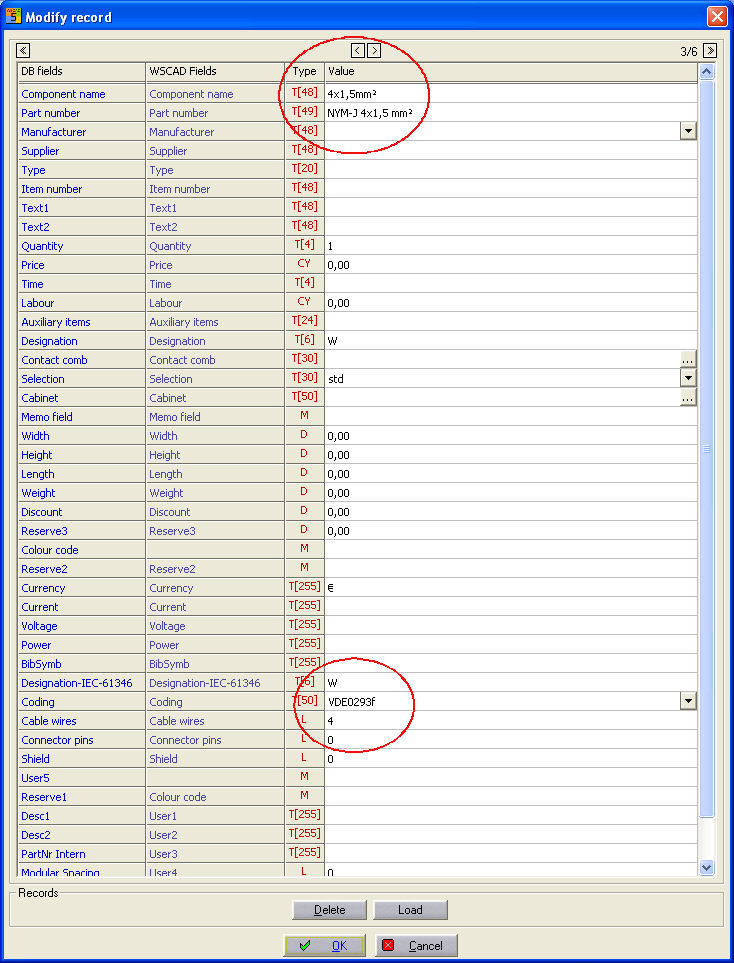
In order to use the Cable manager, every cable used, together with its full data, must be entered in the main WSCAD parts database.
Example: Extract from parts database