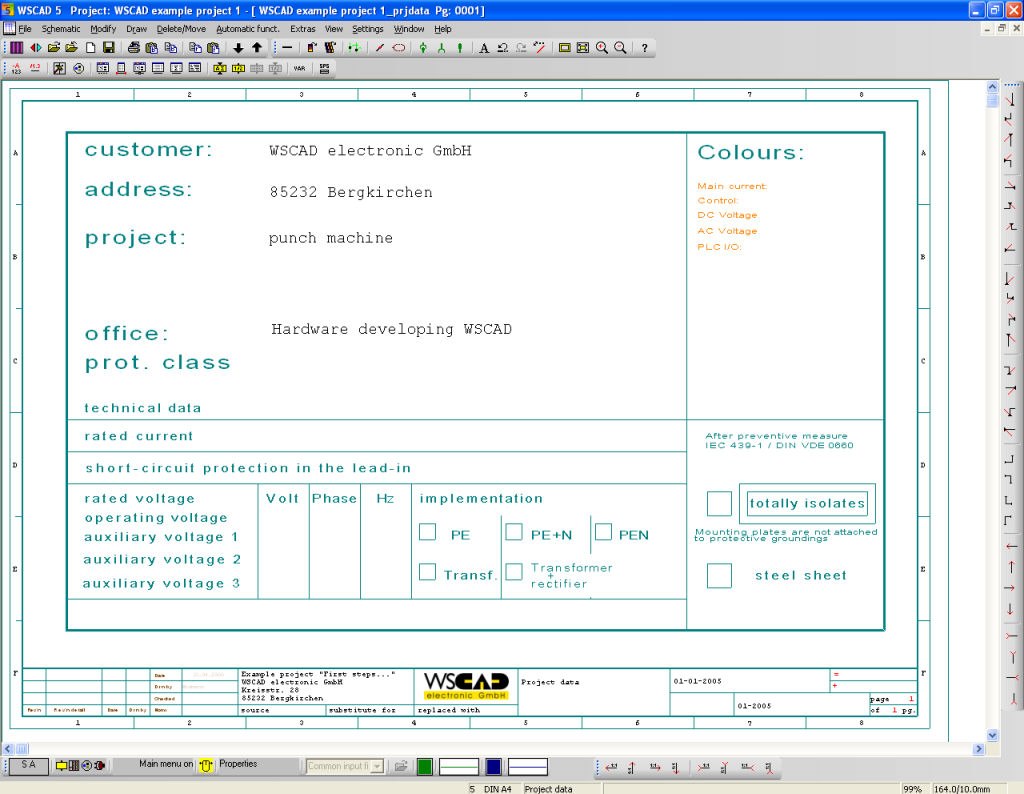
This automatic function is started via the menu command Automatic / Project data or directly from the PM. After the command has been invoked, output the Project data to a file. The Windows standard dialog will then appear for entering the filename and then the choice of graphics form. The Project data should contain fundamental information about the project such as the client and project number etc. as well as technical information. The following figure shows an example of a Project data.
Automatic Project data in the PM creates several different first pages if additional sequential forms *.0002, *.0003... are present in the template directory.