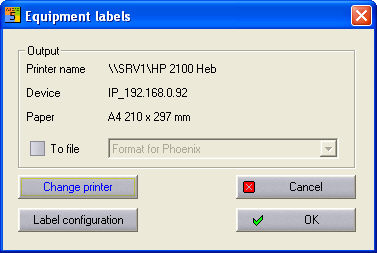
When you output labels (of equipment, terminals and cables) via the menu command Automatic funct. / Labels / Equipment, you receive, for example, the following dialog.
Through this dialog, you can either start label output immediately, select Change printer or go to the label settings.
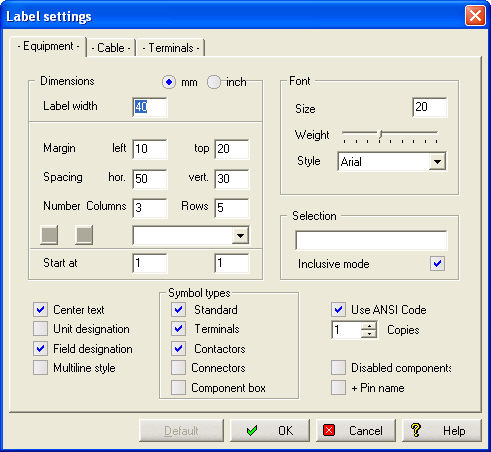
Note
This also applies to the labels of cables and terminals.
If the option To file is on, the list of supported output formats is activated.
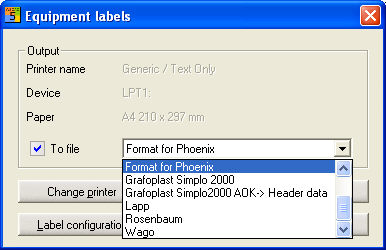
Output to the Microsoft Office products ACCESS and EXCEL is also possible. You generate a corresponding file in the original format, which you then further process with the usual software products. Afterwards, you have to define the name and the directory for this file in the Windows standard dialog. Via the box Labels configuration, you switch to the configuration dialog, in which you set the formatting for the output.