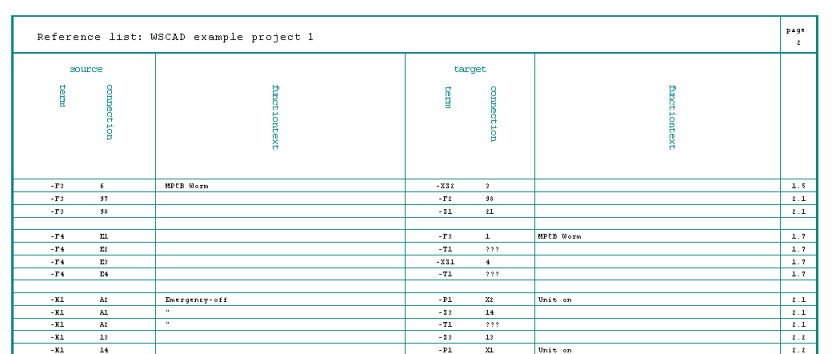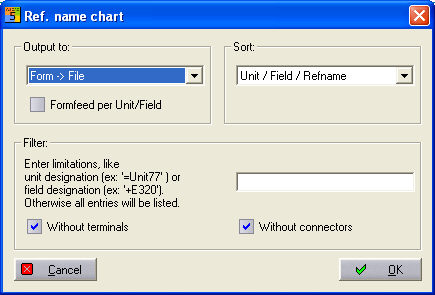
The reference list shows you all the connections between the individual devices with the information reference name, pin number, pin name and function texts. You will see exactly which connections are linked to each other. The individual connections are numbered in ascending order. In the dialog for activation of the reference list, you will see filter possibilities for various UFD scenarios.
Output can be done to printer, file via a corresponding WSCAD form as well as to Access, Excel and ASCII. External output options can be provided with an automatic opening function.
Sorting of the output can take place in the order Unit/Field/Refname or Field/Unit/Refname.
Filter is set in the input line with the complete unit or field code.
Determine if the output shall include terminals and/or connectors.
Example