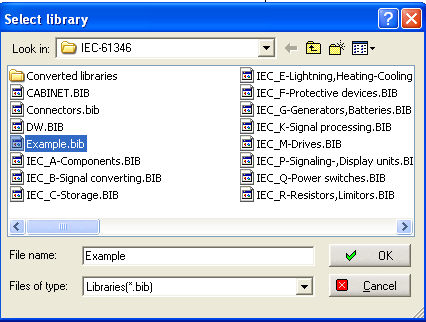
Multiple use of this command
can produce rounding errors. The 'Change symbol size' command is used to modify the size of all components in the
active library.
When the command is selected, three choices are displayed in the 'Factor' menu:
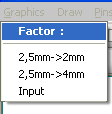
If 'Input' is selected you are prompted to 'Input the scale (0.5 to 2.0)'. This capability can be useful if you change the grid spacing being used to create drawings.
WARNING
Care should be taken when using this command as it modifies the size of ALL the components in a library. A better approach may be to copy the components to a new library prior to changing the size.