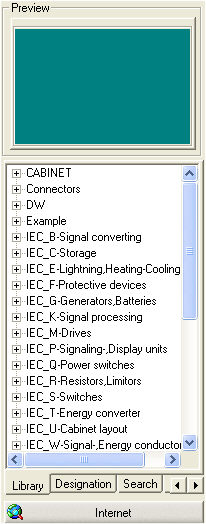
The Symbol Explorer described above appears on the left part of the Part Manager. This was docked at the manager dialog with its functionality. Tabs (Library, Designation, Search and Favourites) are provided to enable or change the sorting or search functions within the libraries. Double clicking on the Symbol view provides a large view of the symbols in a separate window.