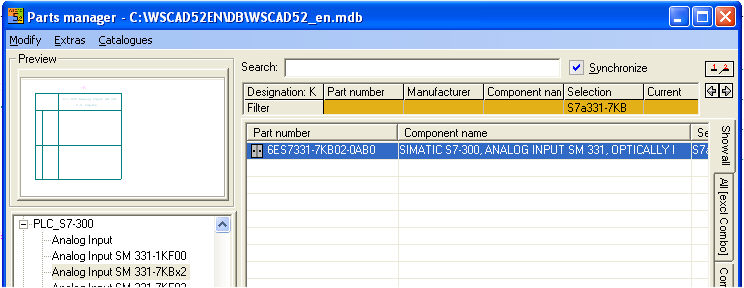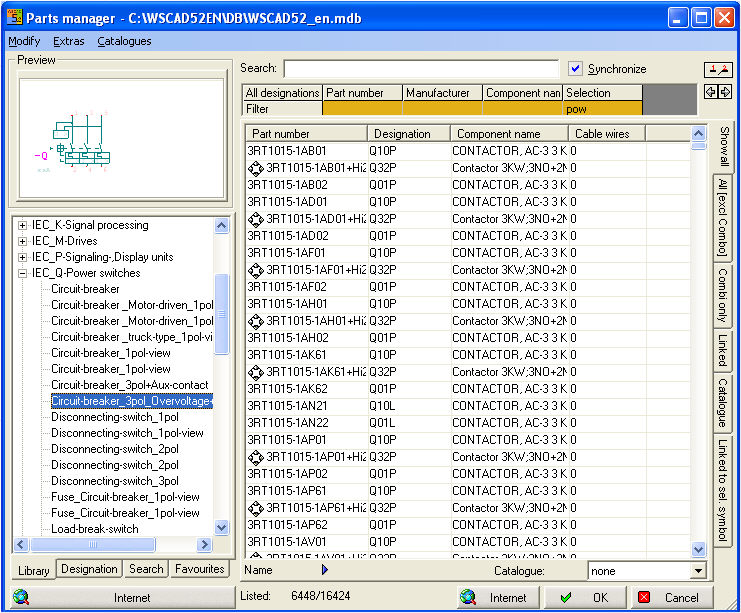
On the right edge, there are 5 tabs which limit the number of data records shown at any one time. These limitations are determined by various criteria.
Show all tab
The All tab shows Parts where the designation and selection agree with entries in the fields of the Part database when you have clicked on a symbol (Designation: Q // Selection: pow).
If you have not marked a symbol, all database entries will be displayed since there is no filtering.
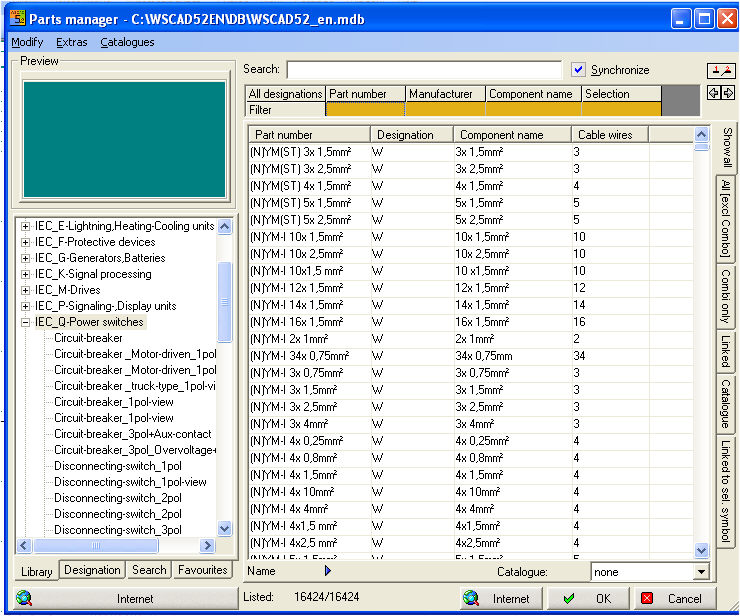
All [Exec Combo]l tab
The General tab shows all of the Parts which are not combination elements (combinations of several individual Parts). In this case also, the dependency applies to the selected symbol and the set filter.
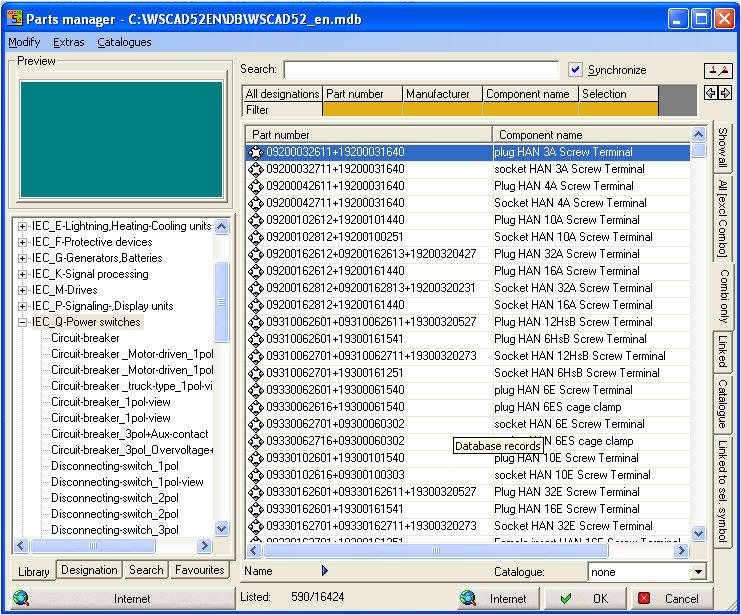
Combi only tab
The Combination tab shows all of the Parts which are combination elements. In this case also, the dependency applies to the symbol which has been selected and the filter which has been set.
Linked tab
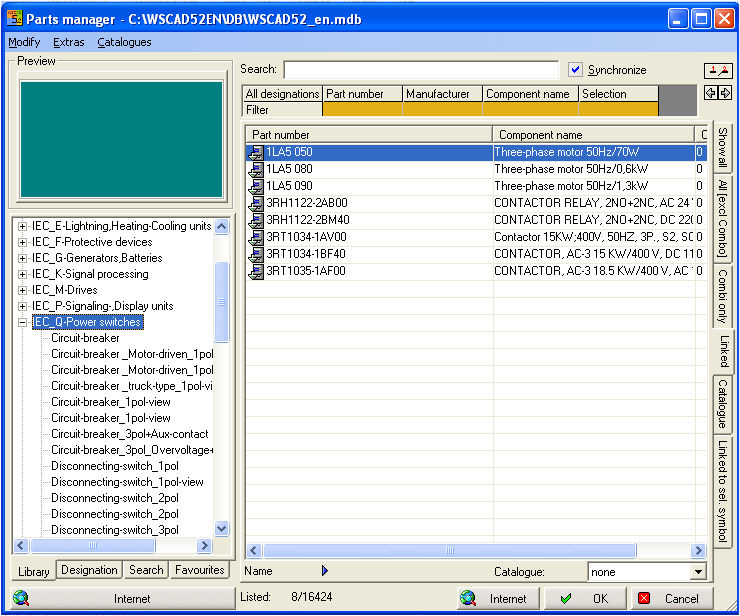
The Connection tab shows all of the Parts which have a Linked (= link between and Part and symbol). In this case also, the dependency applies to the selected symbol and the set filter.
Linked to sel. symbol tab
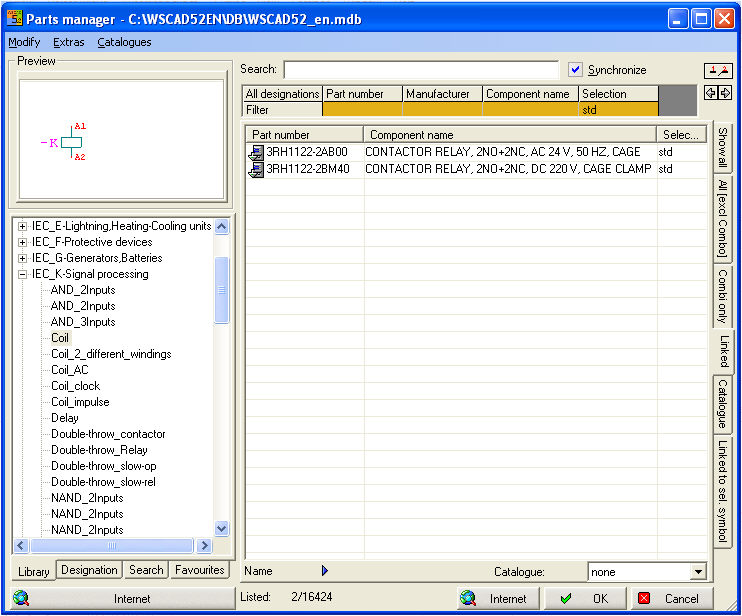
The Linked to sel. symbol tab shows all of the Parts which have a connection to the symbol which is currently selected. In this case, the dependency only applies to the set filter. Several Parts can be linked to one symbol.
Catalogue
The Catalogue shows all of the Parts which are assigned to a catalogue.
Signature for assigned control cabinet symbol
If you see the grey symbol in the Part number field, you know that a symbol for the control cabinet layout is assigned to that part number.