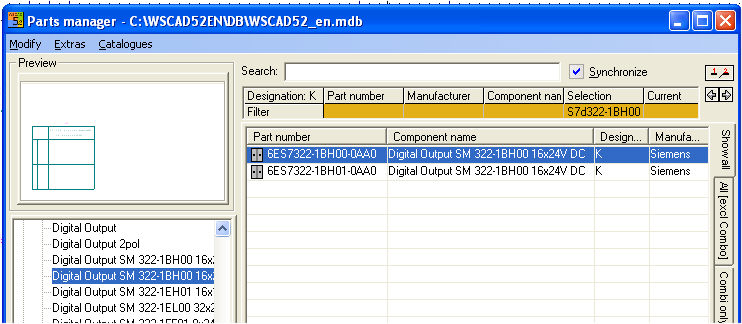
The Part option connects the right and left part of the Parts Database Manager. Once this option is activated, the other side is immediately activated by each selection in each case whether it is in the right or left window. When a symbol is selected, on the right in the database field, only those database entries are shown (with the Synchronize option set) which also have the same designation as that of the symbol. The additional control elements make it possible to page within the filter using the arrow keys and refresh the view by means of the updating symbol.