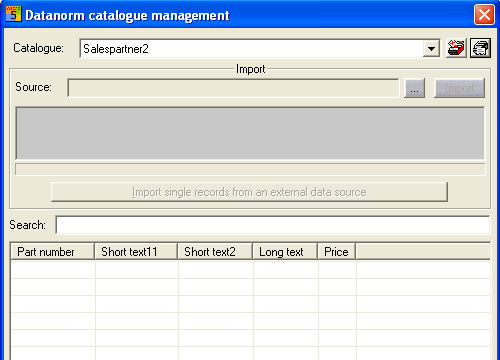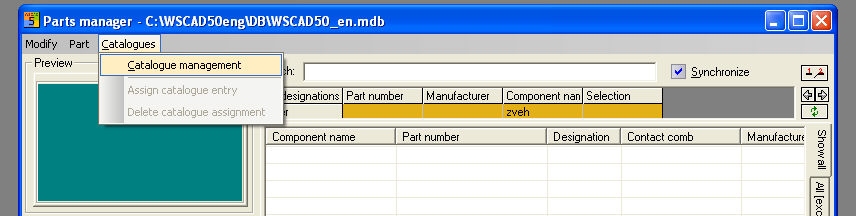
In order to create a catalogue, the menu option Catalogue / Catalogue Manager must be started in the activated Item Manager.
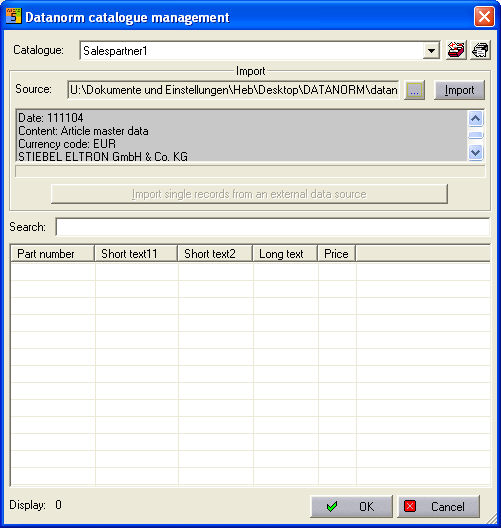
A new dialog will then appear showing the available catalogues. The icons which are necessary for creating or deleting the catalogues appear on the top right.
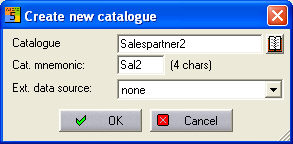
Select the Create new catalogue icon and an entry will start. When making the entry, the catalogue name and associated catalogue code (always 4 characters) has to be entered. The field External source (in this case, none ) is not important.
Now click on OK and a database table with this name will be created and a Datanorm import to this table can now be executed.