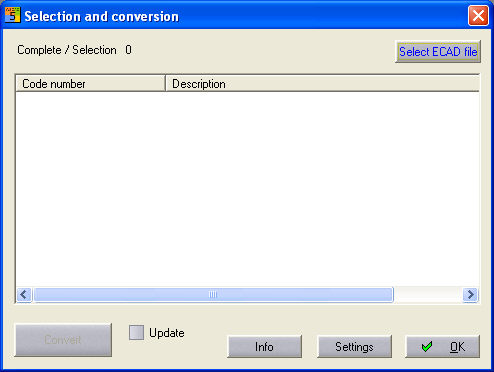
The import function is started with the menu command Tools / Utility programs / Database / Import / ECAD module standard or the corresponding command button. At first, you must choose whether the import should be to your current material database or to another ACCESS database. With YES, the current database file is automatically entered in the conversions parameters, i.e. it is found during conversion; with NO, the last setting is pre-assigned. The dialog which follows initially shows no elements since the ECAD file still has to be specified.