Item
files can be transferred to the WSCAD database by selecting
the available Source field (in this case the source Datanorm)
and starting the import.
Item
files can be transferred to the WSCAD database by selecting
the available Source field (in this case the source Datanorm)
and starting the import.
Item
files can be transferred to the WSCAD database by selecting
the available Source field (in this case the source Datanorm)
and starting the import.
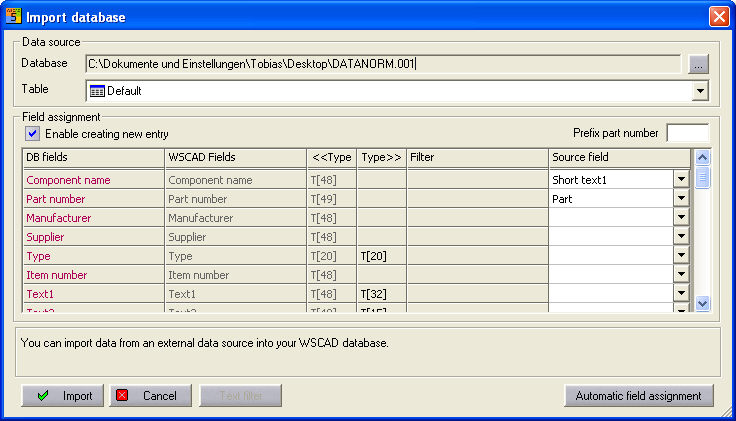
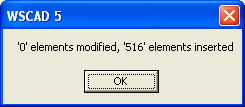
The reading-in process is started with Import. The setting under the Creation of new item possible option is crucial. Once the option is set, the item numbers (source field > DB field) are compared and new item numbers are transferred complete but previously existing item numbers are only updated. If the option is not set, then only the existing item numbers are updated.